
Learn how to change your hand position in CS2 using viewmodel commands. Copy configs from pro players like m0NESY, donk and kyousuke.
22 June 2026
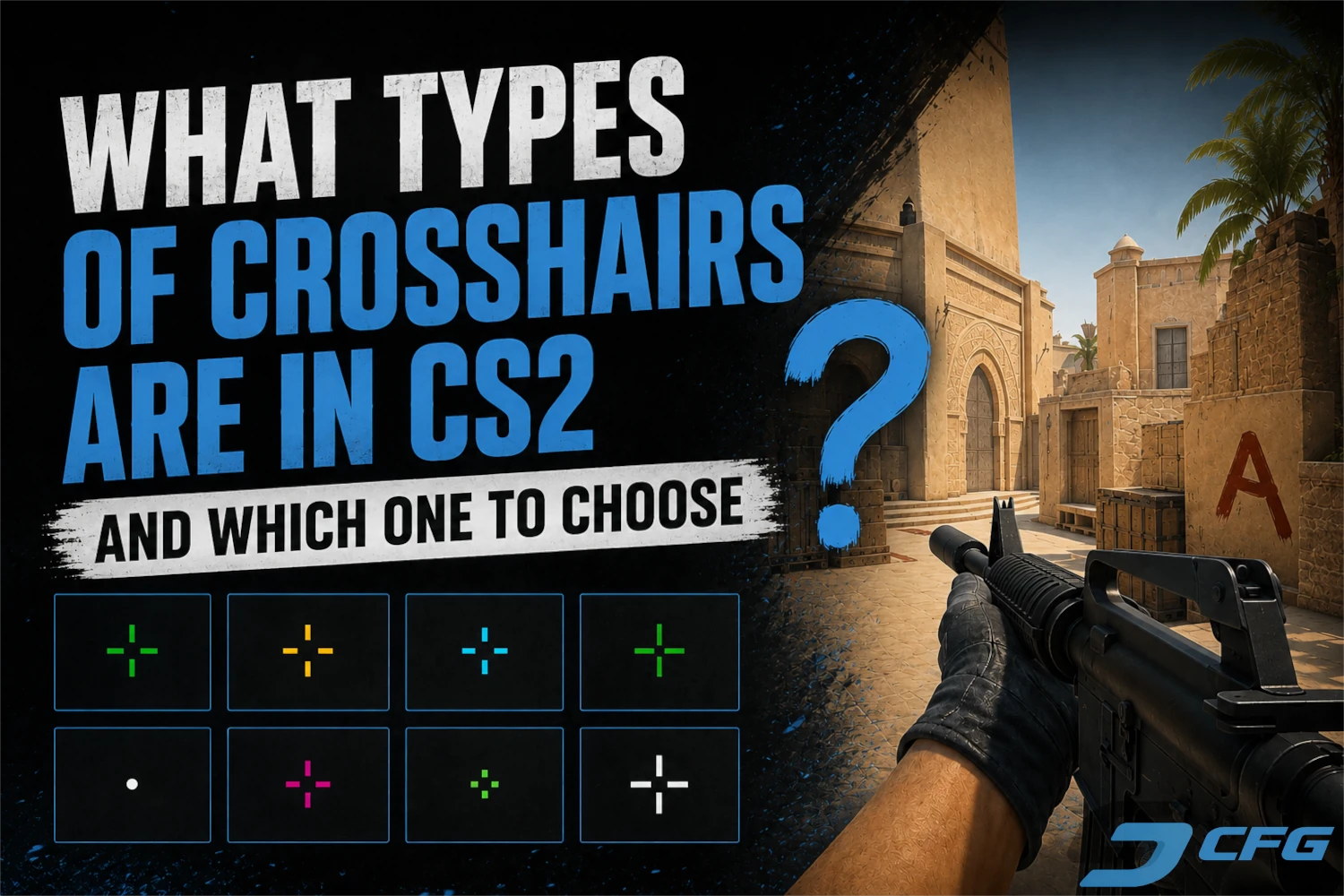
What Crosshair Types Are Available in CS2 and Which One Should You Choose?
In Counter-Strike 2, your crosshair is one of the most important elements on the screen. It plays a key role in aiming, tracking opponents, controlling recoil, and maintaining consistency during firefights. While many players prefer to copy professional settings, there is no single crosshair that works perfectly for everyone. Each style offers its own advantages and can feel completely different depending on your preferences and playstyle.
In this guide, we'll take a closer look at the most popular crosshair types in CS2, explain how they differ, and help you decide which option may suit your gameplay the best.
Classic Crosshair
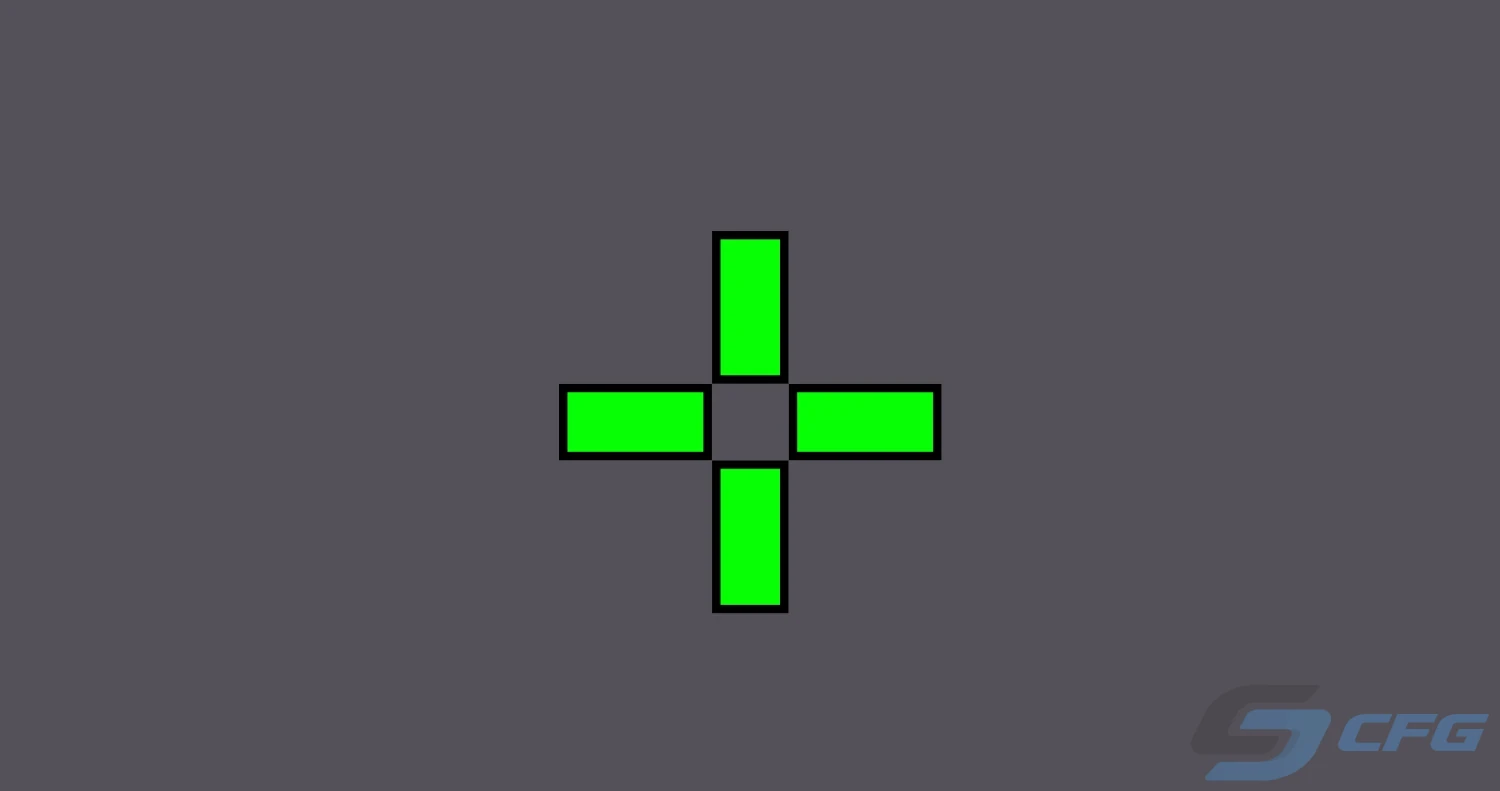
The classic crosshair remains the most widely used option in Counter-Strike 2. It is favored by beginners, experienced players, and professional competitors alike because it provides a clear reference point for aiming in virtually any situation.
Its biggest strength is versatility. A traditional crosshair performs well with rifles, pistols, SMGs, and sniper rifles. When properly configured, it stays visible without blocking important parts of the screen, making it a reliable choice for players who want consistency across all weapons.
Dot Crosshair

The dot crosshair is one of the most minimalistic options available in CS2. Instead of using traditional crosshair lines, it relies on a small point in the center of the screen, giving players an unobstructed view of their targets.
This type of crosshair is especially popular among players with strong aim and well-developed muscle memory. Because it occupies very little screen space, it makes spotting enemies easier at long range. However, many players need time to adjust to such a minimal design before they can use it effectively.
T-Style Crosshair
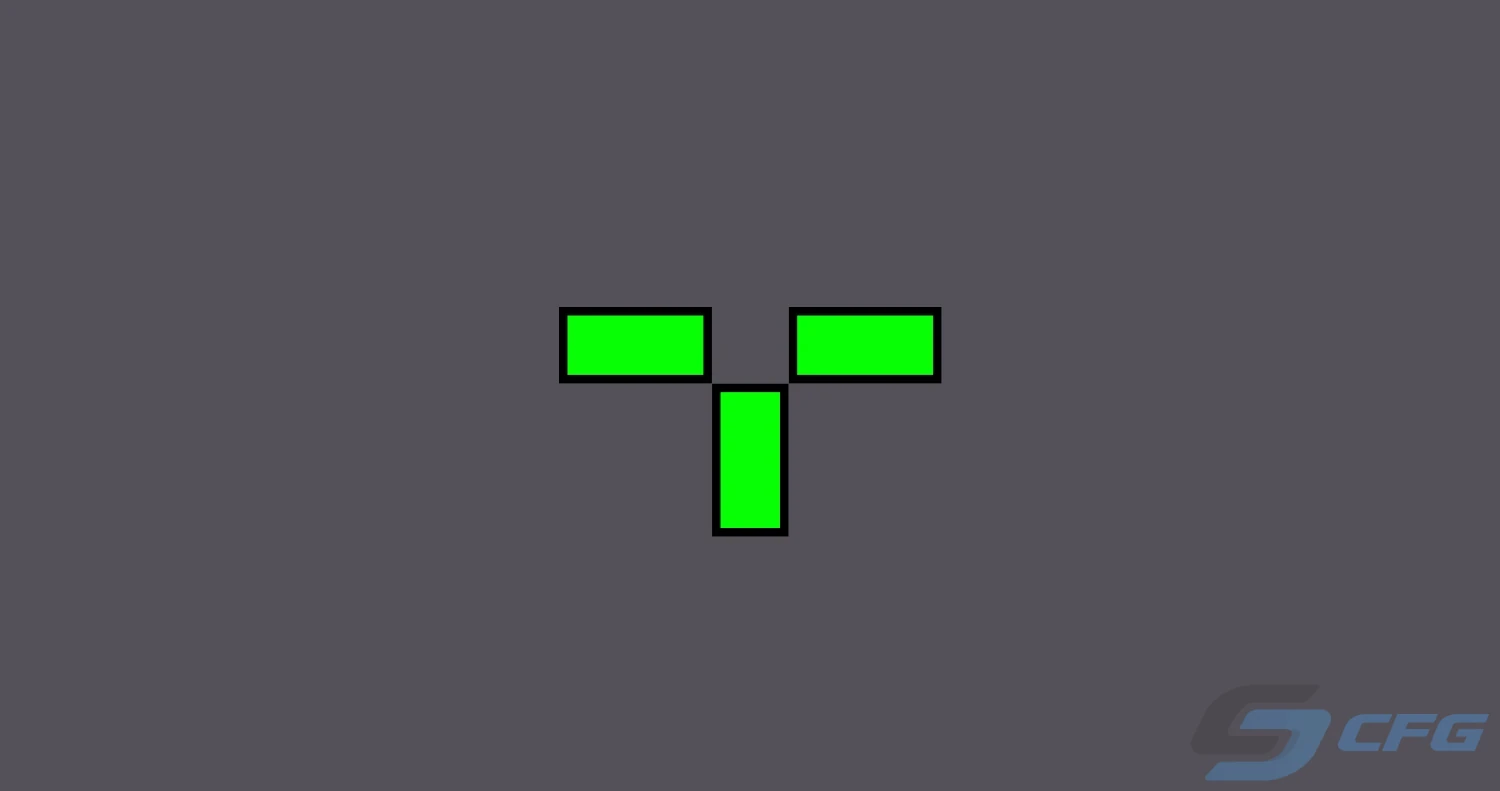
The T-style crosshair removes the upper line of a standard crosshair, leaving additional space above the center point. Some players believe this creates a cleaner view when aiming at an opponent's head, particularly during long-range engagements.
To enable a T-style crosshair in CS2, use the following console command:
cl_crosshair_t 1
If you want to switch back to the default crosshair style, simply change the value to 0.
cl_crosshair_t 0
Several professional players have experimented with this style because of its more open appearance. Even so, it remains a niche option and is often considered a matter of personal preference rather than a competitive advantage.
Static vs Dynamic Crosshair
Choosing a crosshair is not only about its shape. The way it behaves while moving and shooting can have a significant impact on your overall experience.
A static crosshair keeps the same size and appearance at all times, regardless of whether you are standing still, running, or firing your weapon.
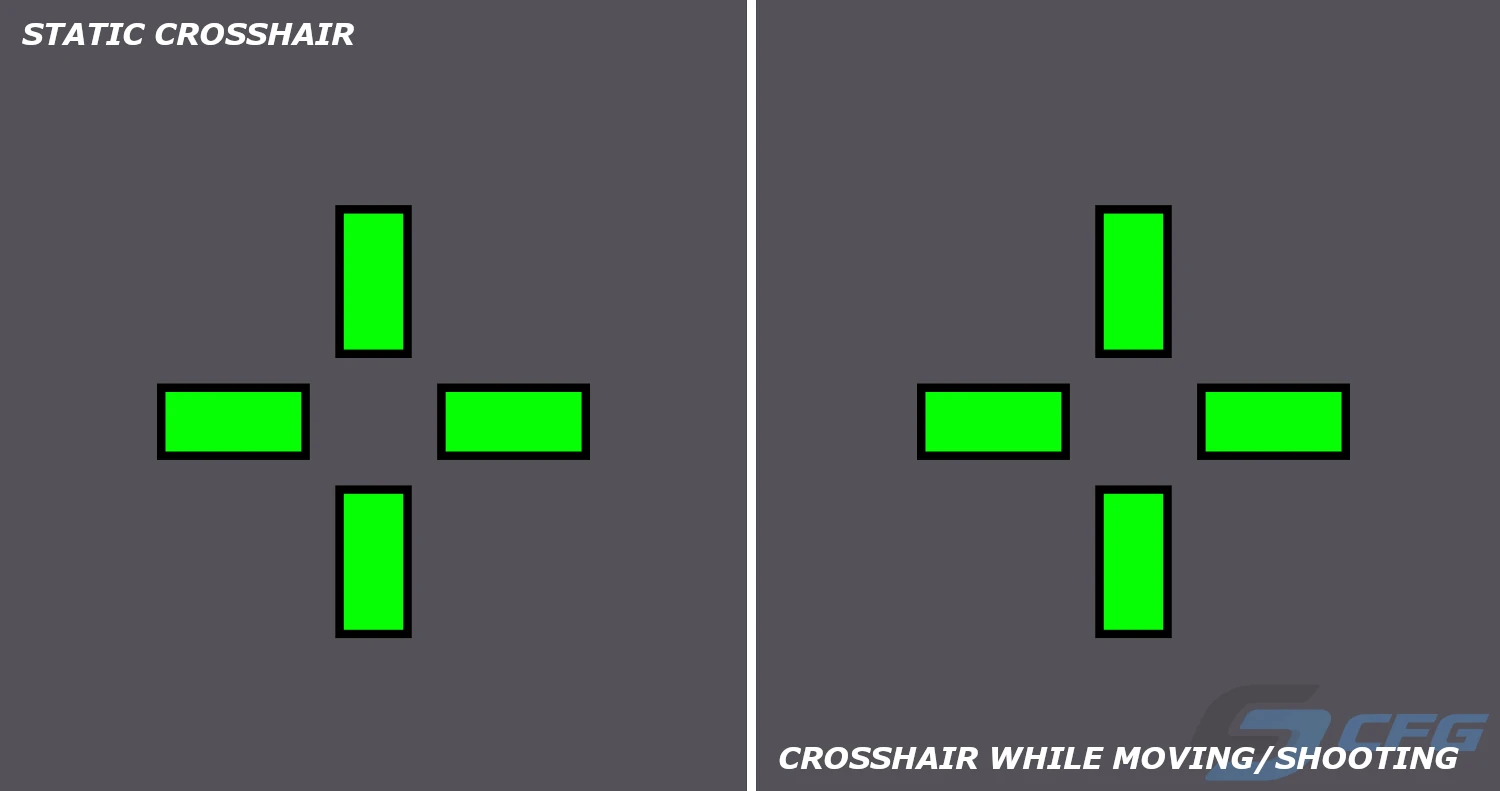
This is the preferred choice for most competitive players because it provides a constant aiming reference and minimizes visual distractions during intense matches.
A dynamic crosshair, on the other hand, expands and contracts based on movement and weapon recoil, visually indicating the spread of your shots.
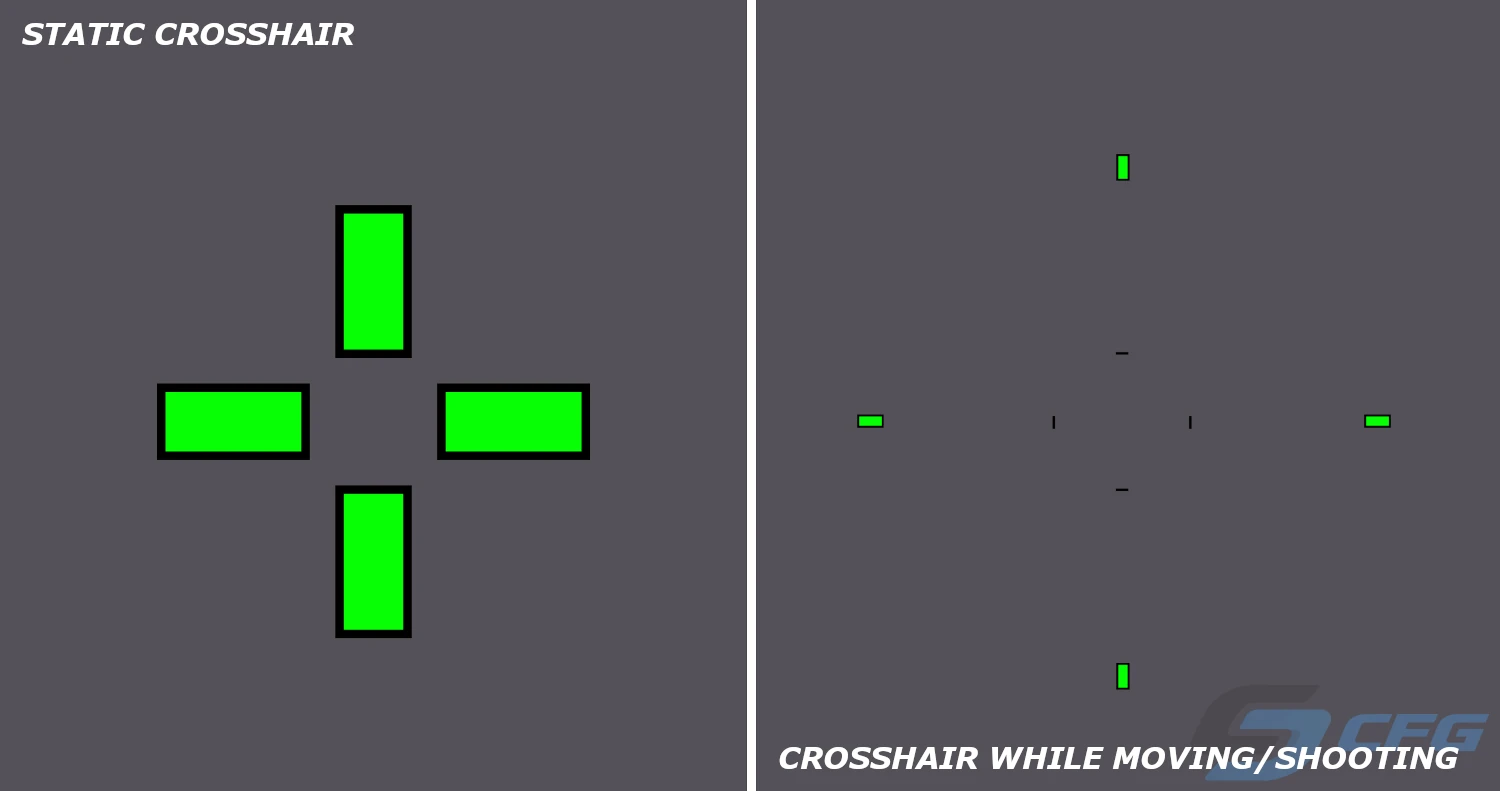
If you would like to try a dynamic crosshair, use the following command:
cl_crosshairstyle 5
Many newer players find dynamic crosshairs useful because they provide visual feedback that helps explain how accuracy changes while moving or spraying.
Which Crosshair Should You Use in CS2?
If you're new to Counter-Strike 2, a classic crosshair is usually the best starting point. It is easy to see, simple to customize, and helps you learn the fundamentals of aiming and recoil control.
As players gain experience, many switch to smaller and cleaner designs such as dot crosshairs or compact static crosshairs. These styles take up less screen space and can make enemy models easier to track during fast-paced engagements.
Keep in mind that crosshair comfort depends on more than just shape. Size, color, outline settings, screen resolution, dynamic behavior, and personal habits all contribute to how a crosshair feels in-game.
On our website, you can browse CS2 professional player crosshairs, copy ready-to-use crosshair codes, and discover settings that match your own playstyle.
Random CS2 Guides
08 June 2026 Tutorial
Complete guide to all Counter-Strike 2 maps in 2026. Explore the current CS2 competitive map pool, casual maps, Wingman maps, tournament maps, and possible future map updates.
03 April 2026 Training
Mastering grenade lineups is one of the key skills in CS2. This config is designed to help you practice utility usage more efficiently and improve your consistency in real matches