
Donk CS2 Config - Download donk's Config, Crosshair, Viewmodel, and Settings
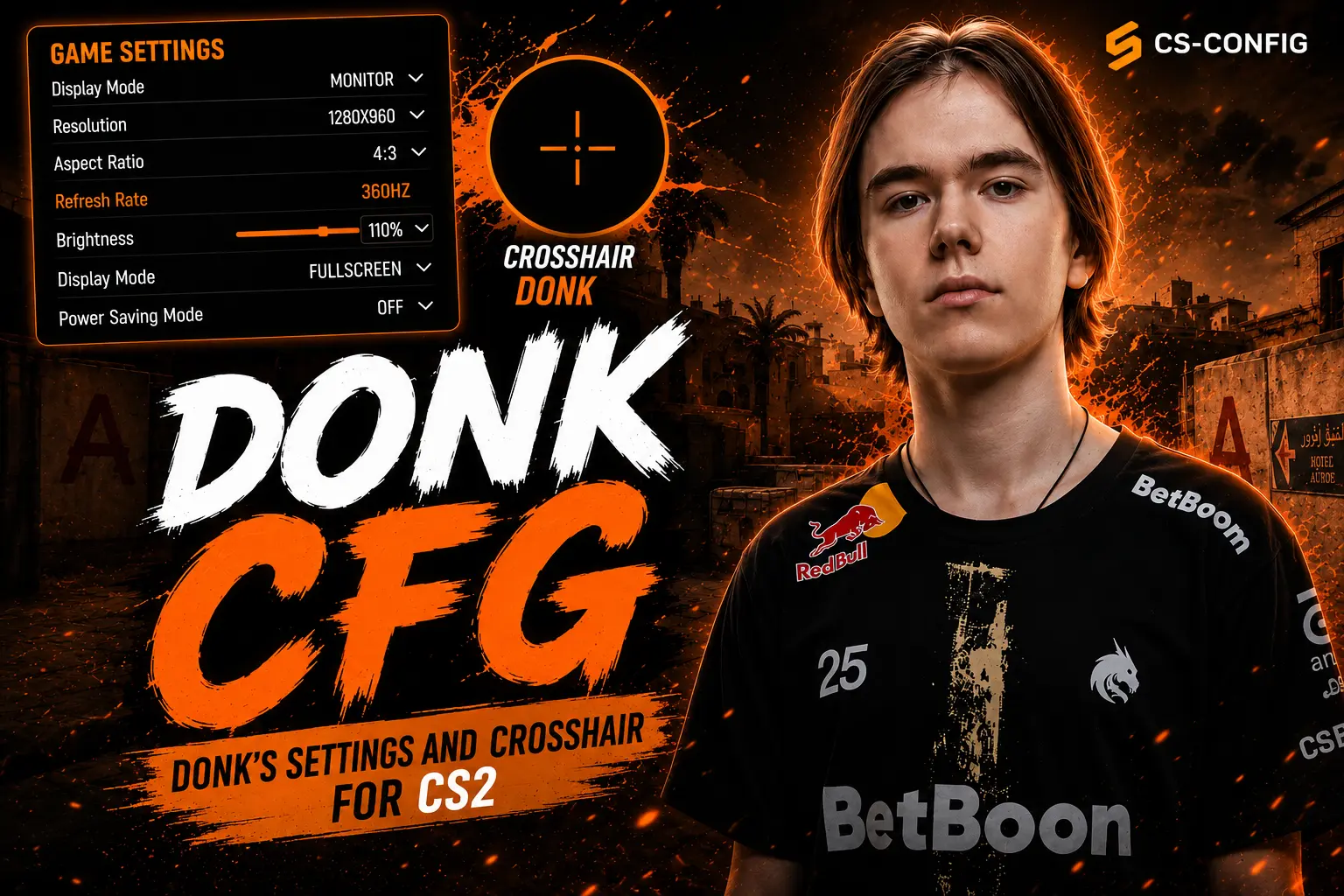
This guide features donk's latest CS2 settings, including his monitor resolution, crosshair, viewmodel, radar, HUD, and mouse sensitivity. If you're looking for donk settings CS2, donk cfg, or the complete donk config, you'll find all the key settings you need to recreate his setup and enjoy a comfortable Counter-Strike 2 experience.
donk's Biography
Danil Kryshkovets, better known by his in-game nickname donk, is a Russian professional Counter-Strike 2 player. Born on January 25, 2007, in Tomsk, he rose to international prominence through his performances with Team Spirit. Playing primarily as a rifler and entry fragger, donk is known for creating space for his team by taking aggressive opening duels and securing early-round advantages.
In a remarkably short period, donk has established himself as one of the most talked-about players in Counter-Strike 2. His playstyle is built around confidence, explosive entries, exceptional mechanical skill, and relentless pressure on his opponents. This is why donk's CS2 settings attract so much attention not only from newcomers, but also from experienced players who want to understand how one of the world's most dominant aimers performs at such a consistently high level.
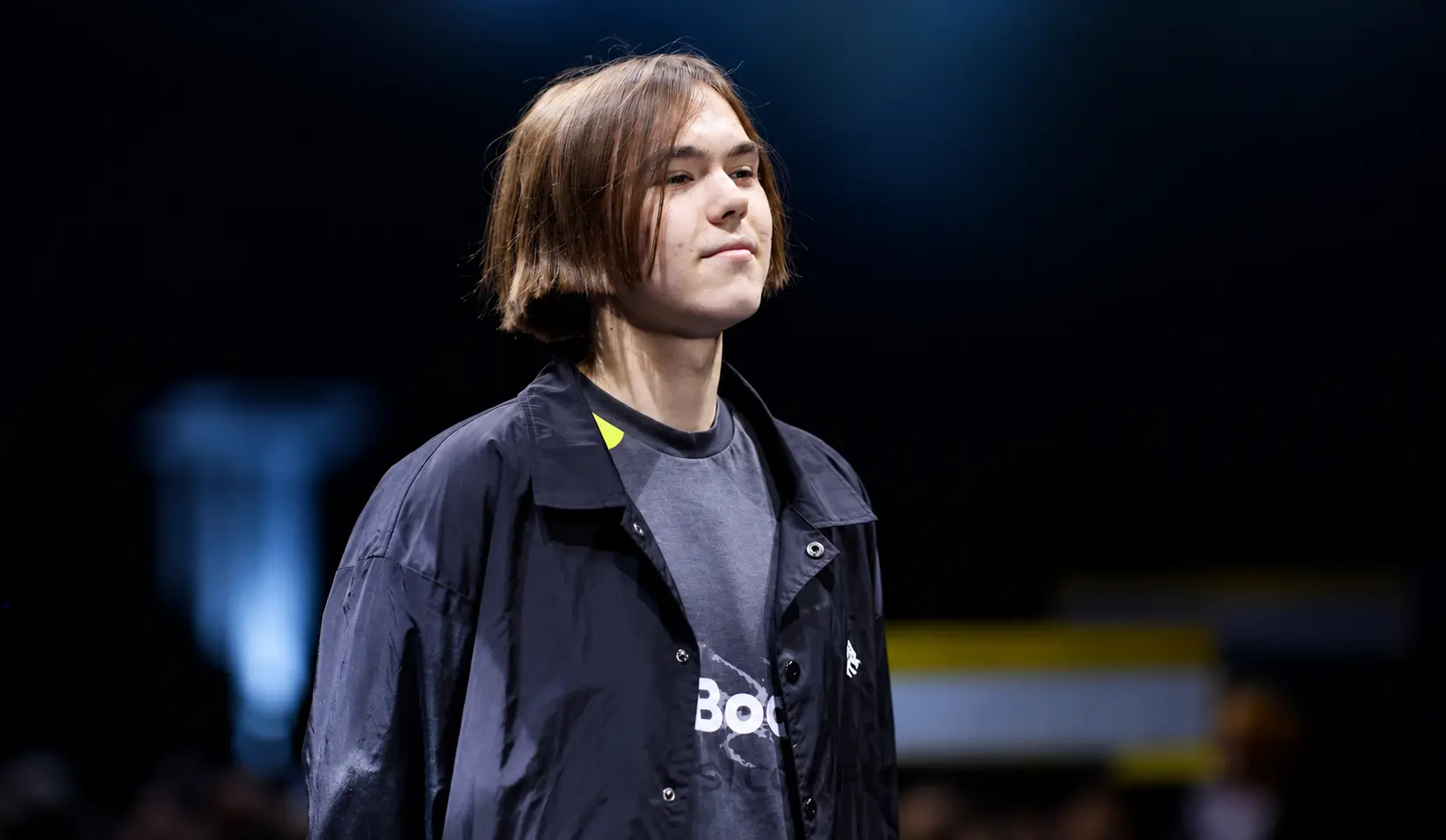
Many players try to replicate his playstyle by using donk's config, crosshair, mouse sensitivity, and viewmodel settings. While copying his setup alone won't turn you into a professional player, it can serve as a solid foundation for finding a configuration that feels comfortable and suits your own style.
Monitor Settings
Like many professional Counter-Strike players, donk uses a 1280×960 resolution with a 4:3 aspect ratio. This resolution makes enemy player models appear wider, making them easier to spot and react to during gunfights. If you want your game to feel closer to donk's setup, your display settings are the best place to start.
Resolution:
1280 × 960
Aspect Ratio:
4:3
Scaling Mode:
Stretched
Refresh Rate:
360 Hz
donk's Crosshair Settings
donk's crosshair is well suited for an aggressive rifle-focused playstyle. It is compact enough to avoid blocking enemy models while still providing excellent visibility, making it easier to land quick headshots. This crosshair performs well both in close-range engagements and medium-range duels.
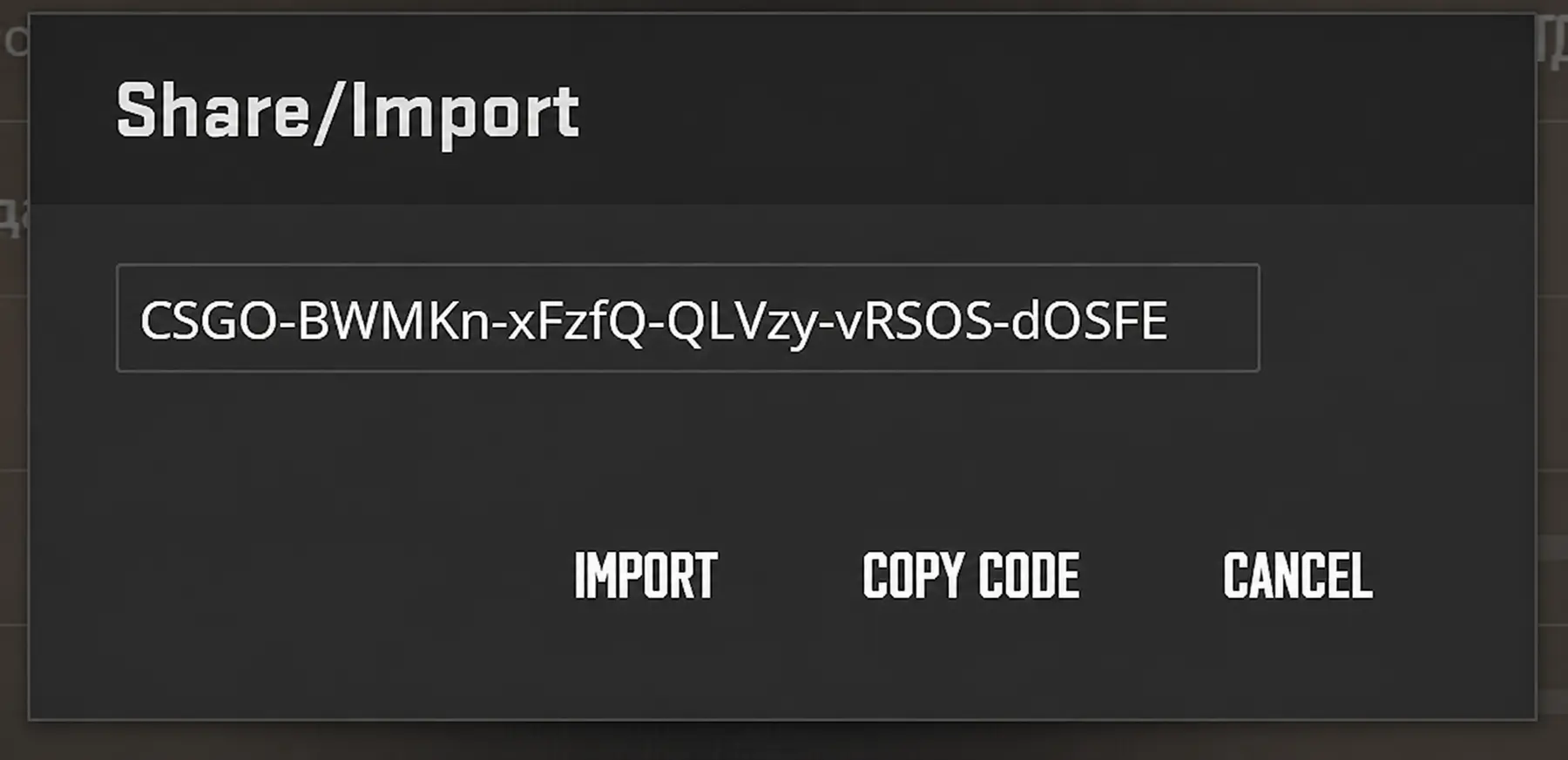
To use donk's crosshair in CS2, simply copy the crosshair code above and import it through the in-game settings. This is the fastest way to apply his crosshair without manually adjusting each individual parameter.
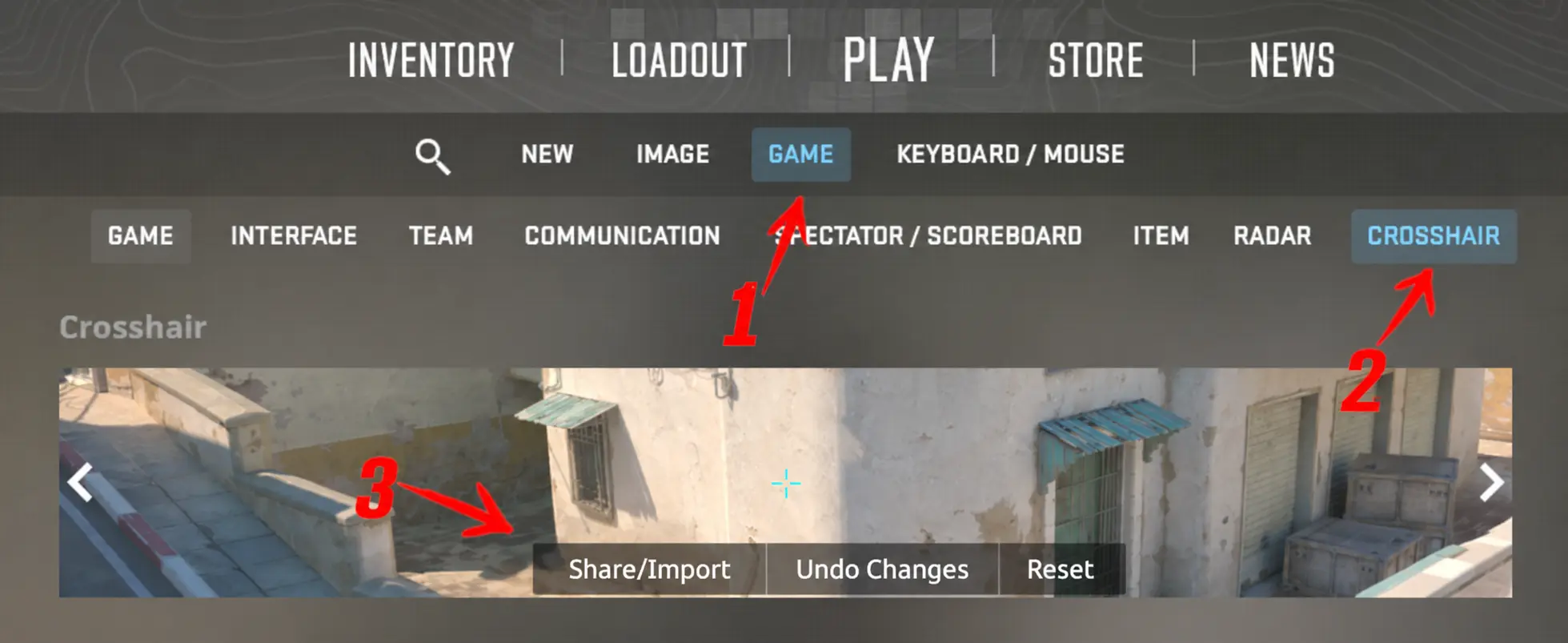
After pasting the share code, confirm the import, and the game will automatically apply the crosshair settings. If needed, you can fine-tune the size, thickness, or color to better suit your monitor and personal preferences.
Viewmodel Settings
donk's viewmodel settings are configured to keep the weapon from blocking the player's view or covering important areas of the screen. This setup is especially effective for a fast-paced playstyle, aggressive peeks, and constant firefights, where maximizing visible space in front of the player is crucial.
Radar Settings
A properly configured radar helps donk gather information more quickly, keep track of teammates, and maintain better map awareness throughout the round. This is especially important for an aggressive player, as pushing without reliable information can easily result in losing map control or getting caught out of position.
HUD Settings
donk's HUD settings are designed for clarity and efficiency. The interface stays as unobtrusive as possible while keeping all essential information—such as player count, health, ammunition, radar, and the kill feed clearly visible at all times.
Mouse Settings
donk's mouse settings are optimized for precise aim and fast, controlled movements. His sensitivity is not particularly high, but it provides excellent spray control, smooth target transitions, and suits his aggressive playstyle perfectly.
DPI:
800
Polling Rate:
1000 Hz
In-Game Sensitivity:
1.25
Zoom Sensitivity:
1
Windows Sensitivity:
6/11
Mouse Acceleration:
Off (0)
Raw Input:
Enabled (m_rawinput 1)
Additional Mouse Settings
In Conclusion
donk's CS2 config is an excellent choice for players who want to try the settings of one of the world's best riflers. His setup is particularly well suited for those who prefer an aggressive playstyle, fast entries, confident aim, and constant pressure on the opposing team.
Download cfg donkYou can import donk's crosshair, copy his viewmodel settings, and configure your resolution, radar, HUD, and mouse sensitivity to match his setup. Once everything is in place, it's a good idea to test the settings in Deathmatch, on aim maps, or in regular matches to see how well they fit your own playstyle and make any adjustments if needed.
Remember that even the best donk CS2 settings won't replace practice, game sense, and consistent improvement. Use donk's config as a starting point, then adjust the settings to match your own playstyle, monitor, mouse, and personal preferences.
Random CS2 Guides