
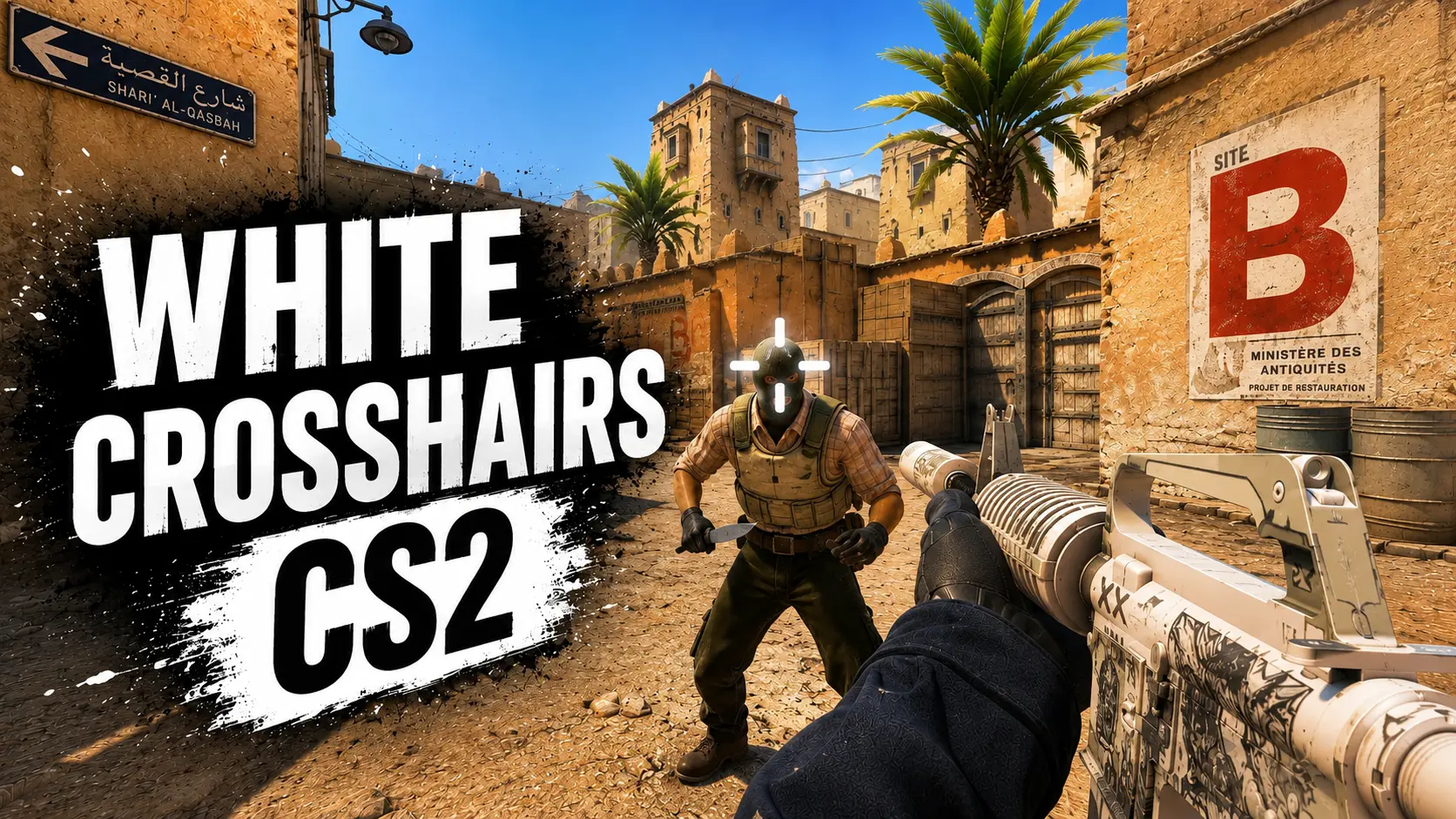
Discover the best white crosshair codes for CS2
15 October 2026
How to Show FPS in Steam
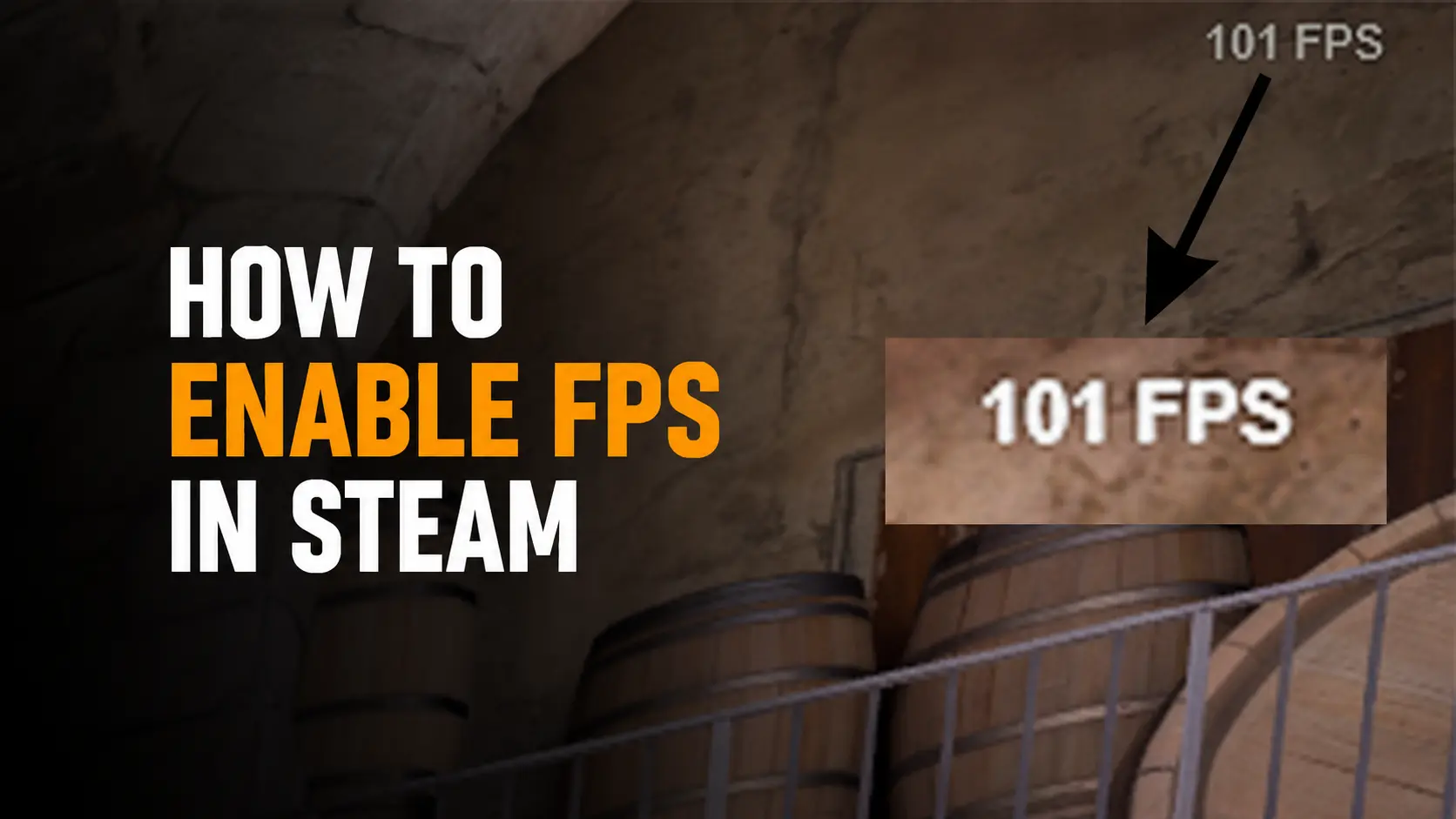
After the release of Counter-Strike 2, the developers had not yet implemented a proper in-game FPS counter. We previously covered how to show FPS in CS2 and explained several ways to do it. However, we recently discovered another method to show FPS in CS2 through Steam.
How to Enable the FPS Counter in Steam
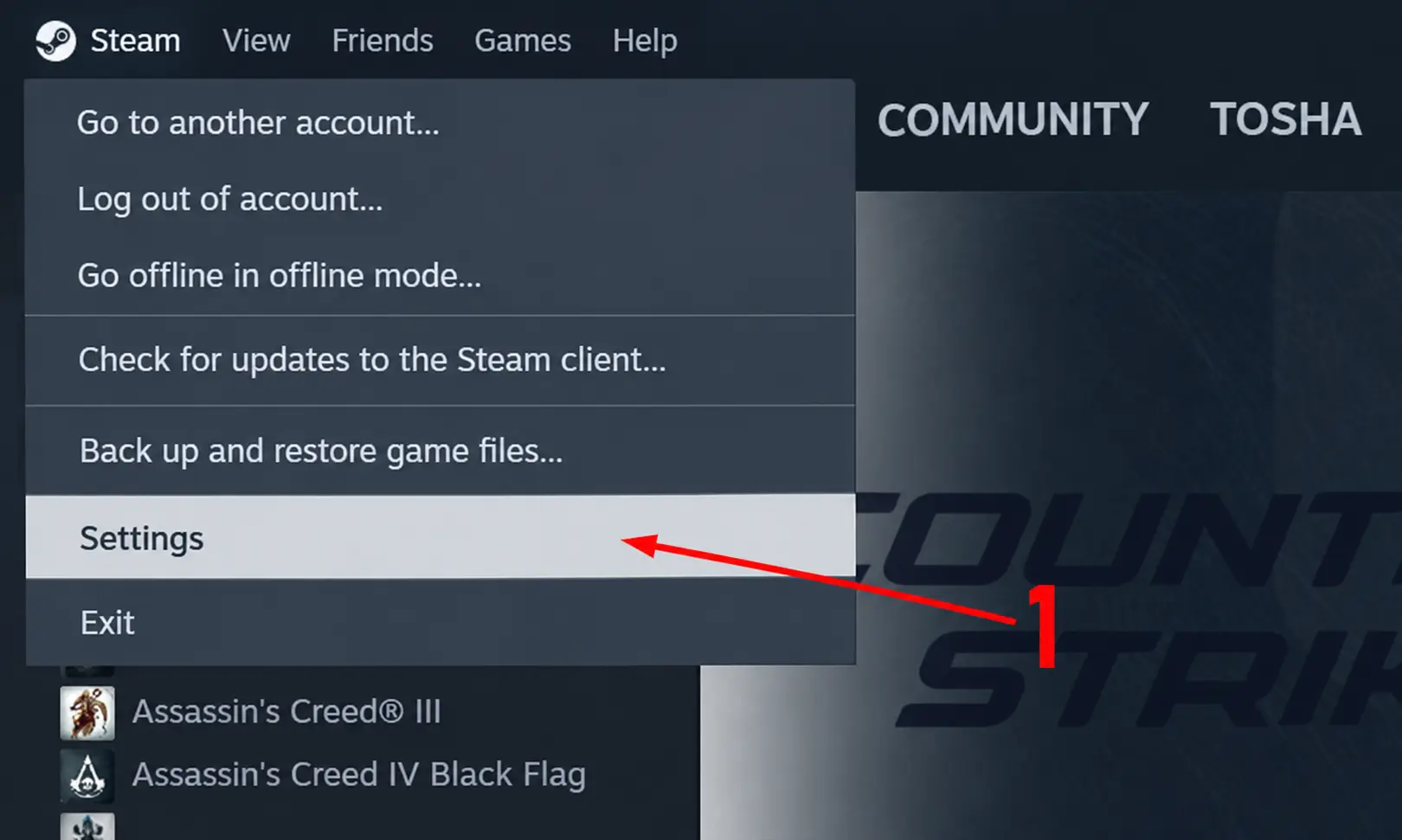
Let's take a look at how to enable the FPS counter in CS2 through Steam. We recently discovered this method and decided to share it with you. To display your FPS in the game, follow a few simple steps:1. Open Steam.
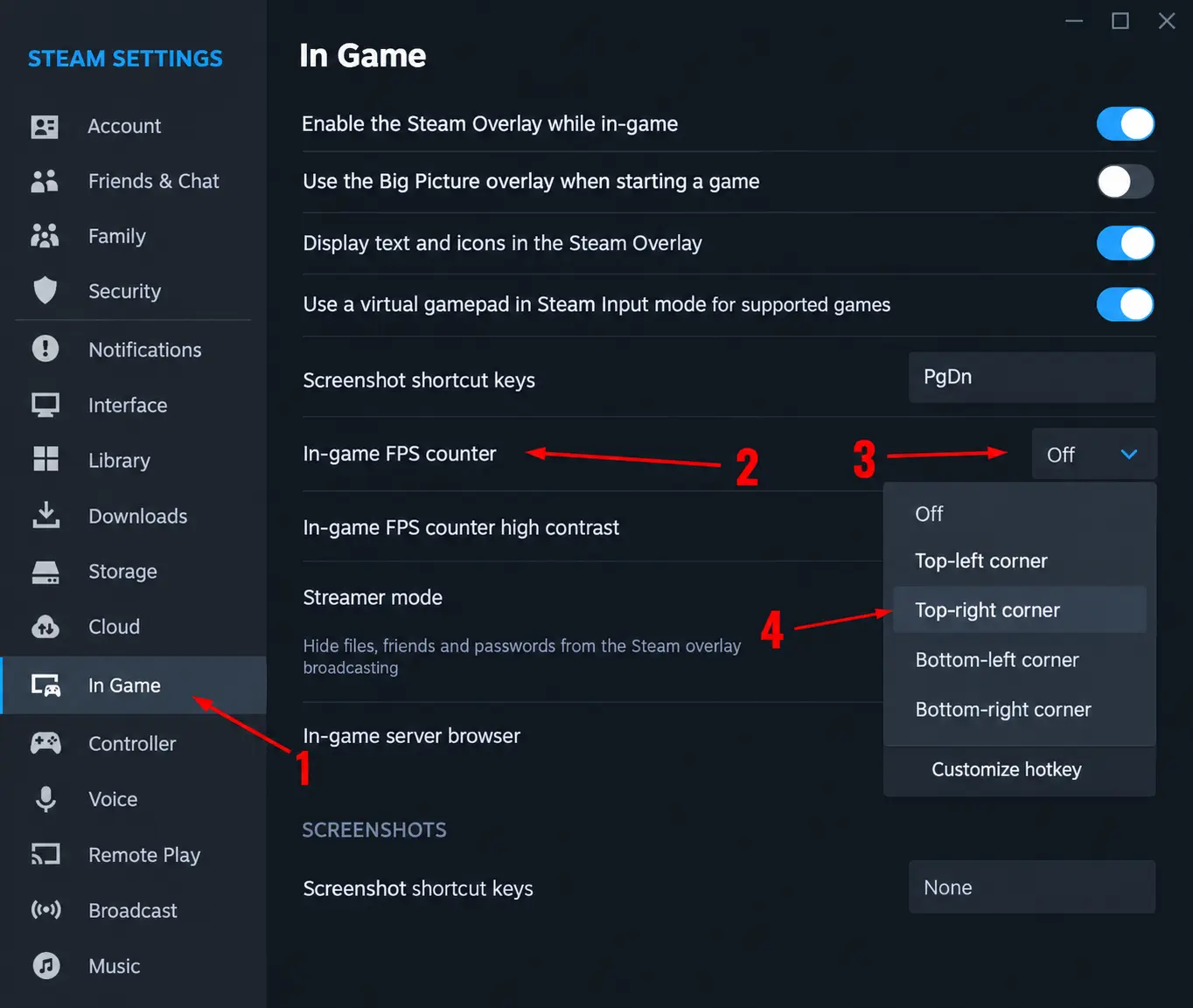
2. A new window will open. Go to the In Game section and find In-game FPS counter. On the right, choose where you want the FPS counter to appear on your screen. I prefer the top-right corner.
Random CS2 Guides
10 June 2026 Tutorial
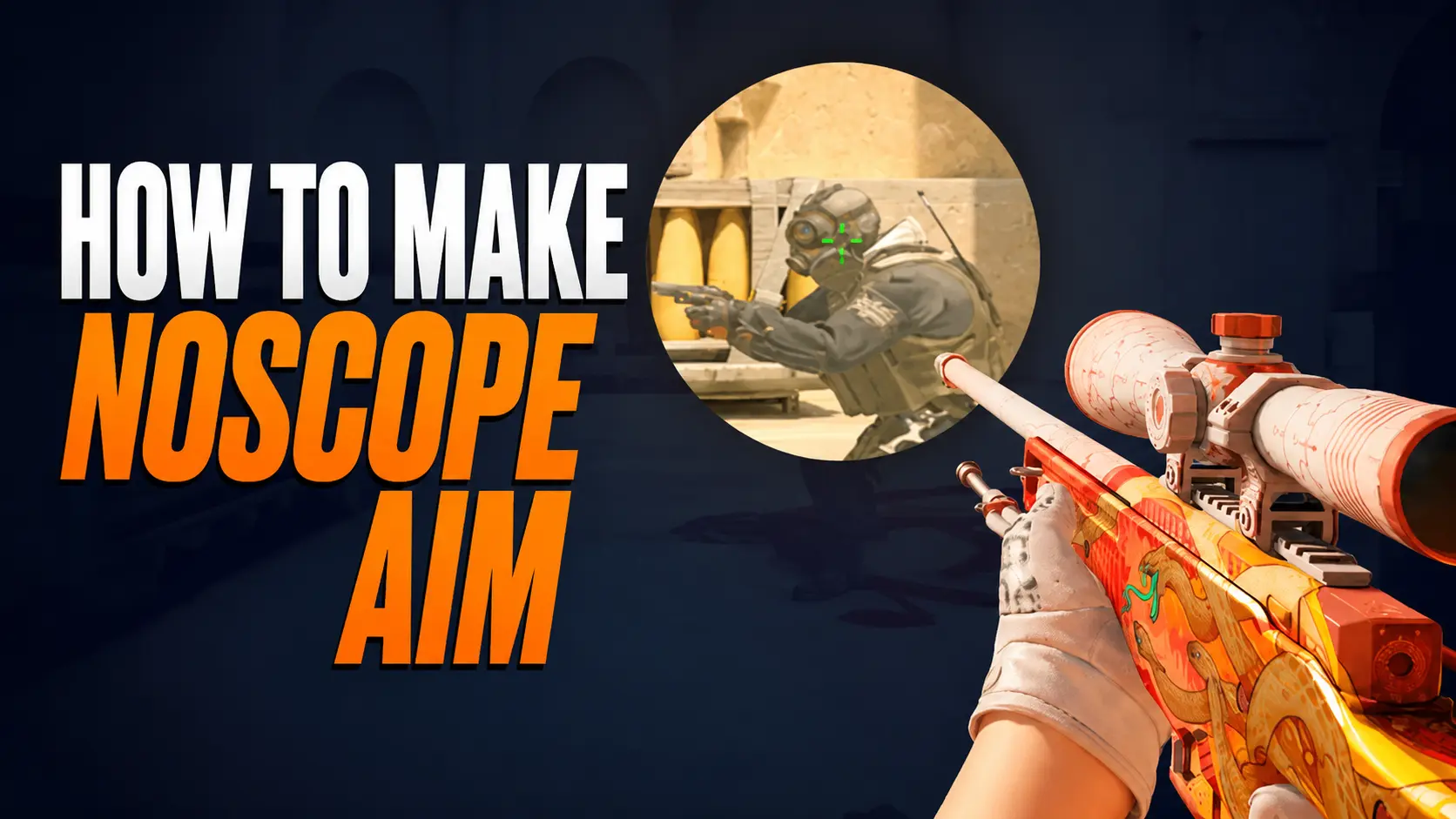
Learn how to create a no scope crosshair in CS2 for AWP, SSG 08, SCAR-20 and G3SG1. Discover Steam Notes, Crosshair V2, monitor crosshairs, console commands, and the best legal methods to improve no-scope accuracy.