
CS2 AWPer Mouse Settings
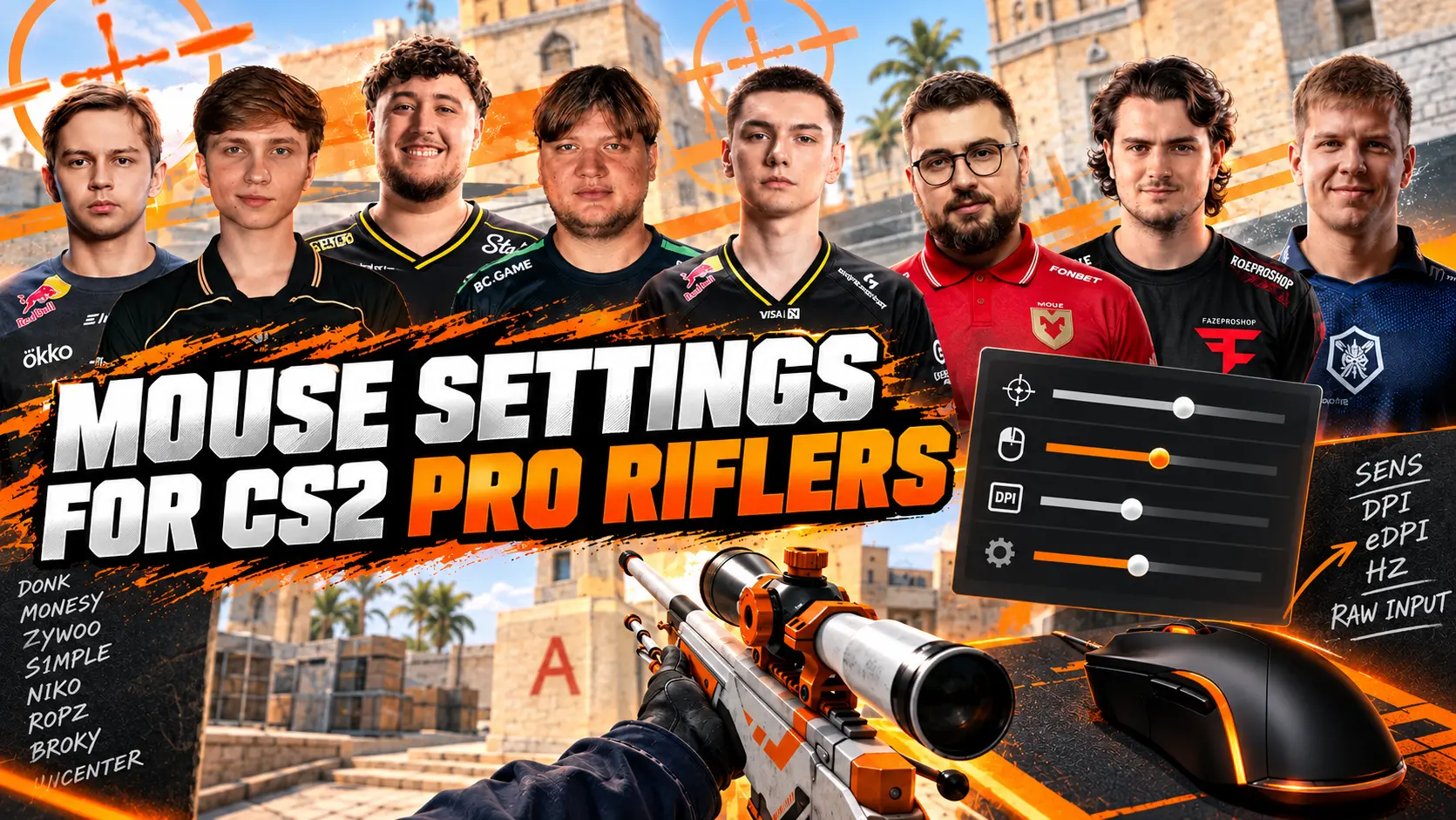
CS2 AWPer mouse settings vary considerably. Some snipers prefer low sensitivity for smooth, precise crosshair movement, while others use higher sensitivity for quick flicks and aggressive peeks. That's why copying only the sensitivity value isn't enough you also need to consider DPI, overall eDPI, zoom sensitivity, and mouse polling rate.
The settings listed in this article reflect information available as of September 12, 2026. Professional players may change their mouse, DPI, sensitivity, and polling rate between tournaments, so treat these values as a current reference rather than a permanent configuration.
Which Mouse Settings Matter for AWP Players?
Crosshair movement depends on more than a single setting. To compare professional snipers accurately, it's important to consider several parameters:
-
DPI: The hardware resolution of the mouse sensor.
-
Sensitivity: The sensitivity setting configured in Counter-Strike 2.
-
eDPI: The effective sensitivity, calculated by multiplying DPI by in-game sensitivity.
-
Zoom Sensitivity: The sensitivity multiplier when aiming through the scopes of the AWP, SSG 08, SCAR-20, and G3SG1.
-
Polling Rate: How frequently the mouse sends data to the computer, measured in Hz.
-
Windows Sensitivity: The pointer speed setting in Windows.
The most useful value for comparing players is eDPI. For example, 400 DPI with a sensitivity of 2.0 and 800 DPI with a sensitivity of 1.0 both produce 800 eDPI. Although the in-game sensitivity values differ, both setups provide virtually the same turning speed.
CS2 AWPer Mouse Settings
Below are the mouse settings of nine well-known CS2 snipers, including their DPI, in-game sensitivity, eDPI, zoom sensitivity, and polling rate. The selection includes established stars and active professionals whose settings are popular among CS2 players.
m0NESY
-
DPI: 400
-
Sensitivity: 2.30
-
eDPI: 920
-
Zoom sensitivity: 1.00
-
Polling rate: 2000 Hz
ZywOo
-
DPI: 400
-
Sensitivity: 1.90
-
eDPI: 760
-
Zoom sensitivity: 1.00
-
Polling rate: 1000 Hz
sh1ro
-
DPI: 800
-
Sensitivity: 1.04
-
eDPI: 832
-
Zoom sensitivity: 1.00
-
Polling rate: 2000 Hz
s1mple
-
DPI: 400
-
Sensitivity: 3.09
-
eDPI: 1236
-
Zoom sensitivity: 1.00
-
Polling rate: 1000 Hz
What Do These Settings Tell Us?
The average eDPI across this sample is approximately 903, while the median is 832 eDPI. Five players use 400 DPI, and four use 800 DPI. Eight out of nine have their zoom sensitivity set to 1.00, although their overall sensitivity varies considerably.
These differences show that there is no single ideal sensitivity for an AWPer. The best settings depend on aiming technique, mousepad size, preferred playstyle, and individual comfort.
m0NESY's Mouse Settings
m0NESY uses 400 DPI and a sensitivity of 2.30, resulting in 920 eDPI. This is a moderately high sensitivity for a professional sniper, allowing him to flick the AWP between targets quickly, peek aggressively from behind cover, and perform wide flicks without excessively large arm movements. A zoom sensitivity of 1 preserves the game's standard sensitivity multiplier.
ZywOo's Mouse Settings
ZywOo uses 400 DPI and a sensitivity of 1.90, resulting in 760 eDPI. This setup is slower than m0NESY's and provides more room for precise micro-adjustments. However, 760 eDPI is not particularly low sensitivity: it is still fast enough for mobile AWP play and confident rifle shooting.
sh1ro's Mouse Settings
sh1ro plays at 800 DPI with a sensitivity of 1.04, resulting in 832 eDPI, which is close to the sample's median. His settings demonstrate why players should not be compared based on sensitivity alone. A value of 1.04 may look low, but at 800 DPI, it produces higher effective sensitivity than ZywOo's 1.90 at 400 DPI.
s1mple's Mouse Settings
s1mple uses 400 DPI and a sensitivity of 3.09, resulting in 1236 eDPI the highest value in the table. This sensitivity makes sharp turns and large flicks easier, but it requires precise control with the wrist and fingers. Simply copying these settings without adapting to them can often lead to overshooting targets.
How to Copy a Pro AWPer's Mouse Settings in CS2
First, set your desired DPI in the mouse software or onboard memory. Then open the CS2 console and configure your sensitivity and zoom sensitivity. For example, m0NESY's settings can be entered as follows:
sensitivity 2.3; zoom_sensitivity_ratio 1
The polling rate is adjusted through the mouse manufacturer's software. Depending on the model, you may need to reconnect the mouse or restart the software after changing the polling rate. Most professional players are reported to use a Windows pointer speed of 6/11, but CS2 uses raw mouse input, so DPI and in-game sensitivity are the main values for comparison.
-
Write down your current DPI, sensitivity, and zoom sensitivity so you can restore them quickly.
-
Copy the selected player's DPI and sensitivity.
-
Check that your calculated eDPI matches the player's value.
-
Test the settings on a training map and in Deathmatch.
-
Don't change your settings after every missed shot. Evaluate them over several full sessions.
How to Find Your Own AWP Sensitivity
As a starting point, try 800–900 eDPI with a zoom sensitivity of 1. This range is close to the center of the sample analyzed and is suitable for testing both the AWP and standard rifles. You can then adjust your settings based on recurring errors.
-
Choose 400 or 800 DPI and keep it unchanged throughout the test.
-
Set approximately 850 eDPI: 2.125 sensitivity at 400 DPI or 1.0625 at 800 DPI.
-
Practice flicking between stationary targets without using the scope.
-
Repeat the exercise with the AWP at close, medium, and long range.
-
If your crosshair consistently falls short of the target, increase sensitivity by 3–5%.
-
If your crosshair consistently overshoots the target, decrease sensitivity by 3–5%.
-
Once you've settled on your general sensitivity, test your zoom sensitivity separately.
For AWP players, three scenarios are particularly important: making small adjustments toward an opponent, performing wide flicks, and turning after a missed shot. Your settings should allow you to perform all three movements without constantly lifting the mouse or losing control at long range.
Should You Be Able to Turn 180 Degrees in a Single Movement?
Being able to turn 180 degrees in one comfortable movement is useful, but it isn't a strict requirement. A sniper usually holds a predefined angle, so precise micro-adjustments can be more important than maximum turning speed. Base your settings on your actual mousepad size and the roles you perform during a match.
Common AWP Mouse Settings Mistakes
-
Copying only the sensitivity value. Without DPI, the setting cannot be compared accurately.
-
Changing sensitivity too frequently. Your hand doesn't have enough time to adapt, making your training results inconsistent.
-
Adjusting every parameter at once. Choose your eDPI first, then adjust zoom sensitivity, and only afterward test the polling rate.
-
Chasing the highest polling rate. On an unstable system, 8000 Hz may feel less consistent than 1000 Hz.
-
Ignoring mousepad size. Low sensitivity requires enough space for arm movements.
-
Testing only against bots. Evaluate your settings in Deathmatch and regular matches, where distances and the pace of play vary.
-
Expecting instant improvement. Another player's configuration cannot replace practice with positioning, flicks, and shooting after coming to a stop.
In Conclusion
CS2 AWPer sensitivity doesn't come down to a single ideal value. ZywOo and broky use 760 eDPI, sh1ro uses 832, m0NESY uses 920, and s1mple uses 1236 eDPI. Most of the snipers in this sample also keep their zoom sensitivity at 1 and use either 400 or 800 DPI.
Use professional players' settings as a reference: calculate your eDPI, choose a comfortable range, and test it without making constant adjustments. Consistent sensitivity that suits your mousepad size and movement technique will be more beneficial than blindly copying the configuration of even the best AWPer.
Random CS2 Guides