

Learn how to optimize CS2 on a laptop, increase FPS, reduce stuttering and overheating.
30 July 2026

Enable the Crosshair in CS2 via the Console
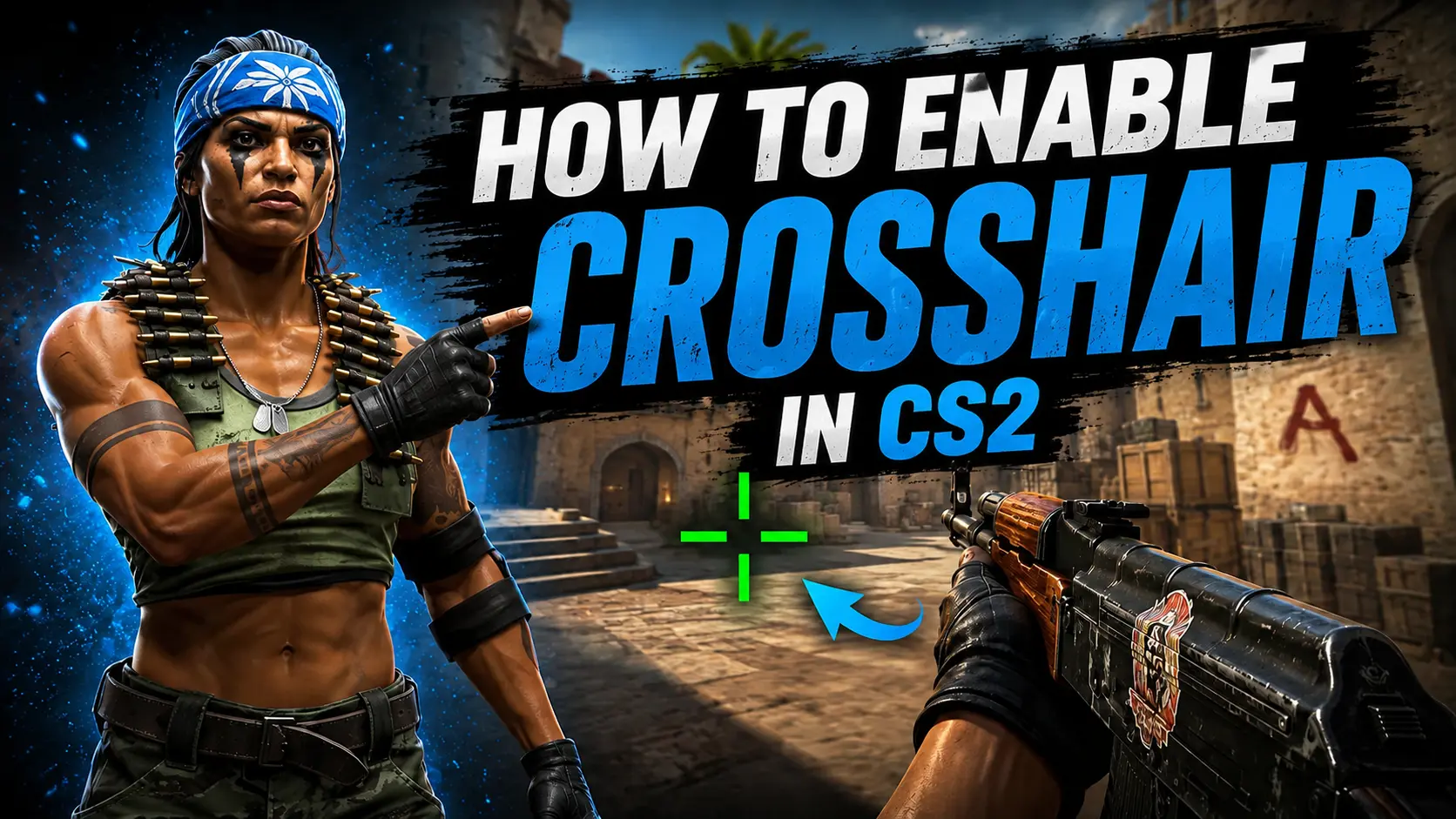
If your crosshair suddenly disappears during a match, you can restore it in just a few seconds using the developer console. Below, you'll learn how to enable the crosshair in CS2, which command disables it, and how to create a one-key toggle for quick switching.
To enable the crosshair, open the developer console by pressing the ~ (tilde) key and enter the following command:
crosshair 1
After entering the command, the crosshair will immediately reappear in the center of your screen. This method is useful if the crosshair was accidentally disabled by a console command, a key bind, or a third-party config.
How to Disable the Crosshair in CS2
Players who want to take a clean screenshot or record gameplay without any HUD elements may want to hide the crosshair. To do this, use the following console command:
crosshair 0
It completely hides the crosshair from the screen. To make it visible again, simply enter crosshair 1 in the console. This allows you to quickly hide and restore the crosshair without resetting any of your other crosshair settings.
Crosshair Toggle Bind
Instead of entering console commands every time, you can bind crosshair toggling to a convenient key:
bind "v" "toggle crosshair 0 1"
Now, every time you press the V key, the crosshair will toggle on and off. You can replace V with any other unused key if you prefer.
How to Apply a New Crosshair in CS2
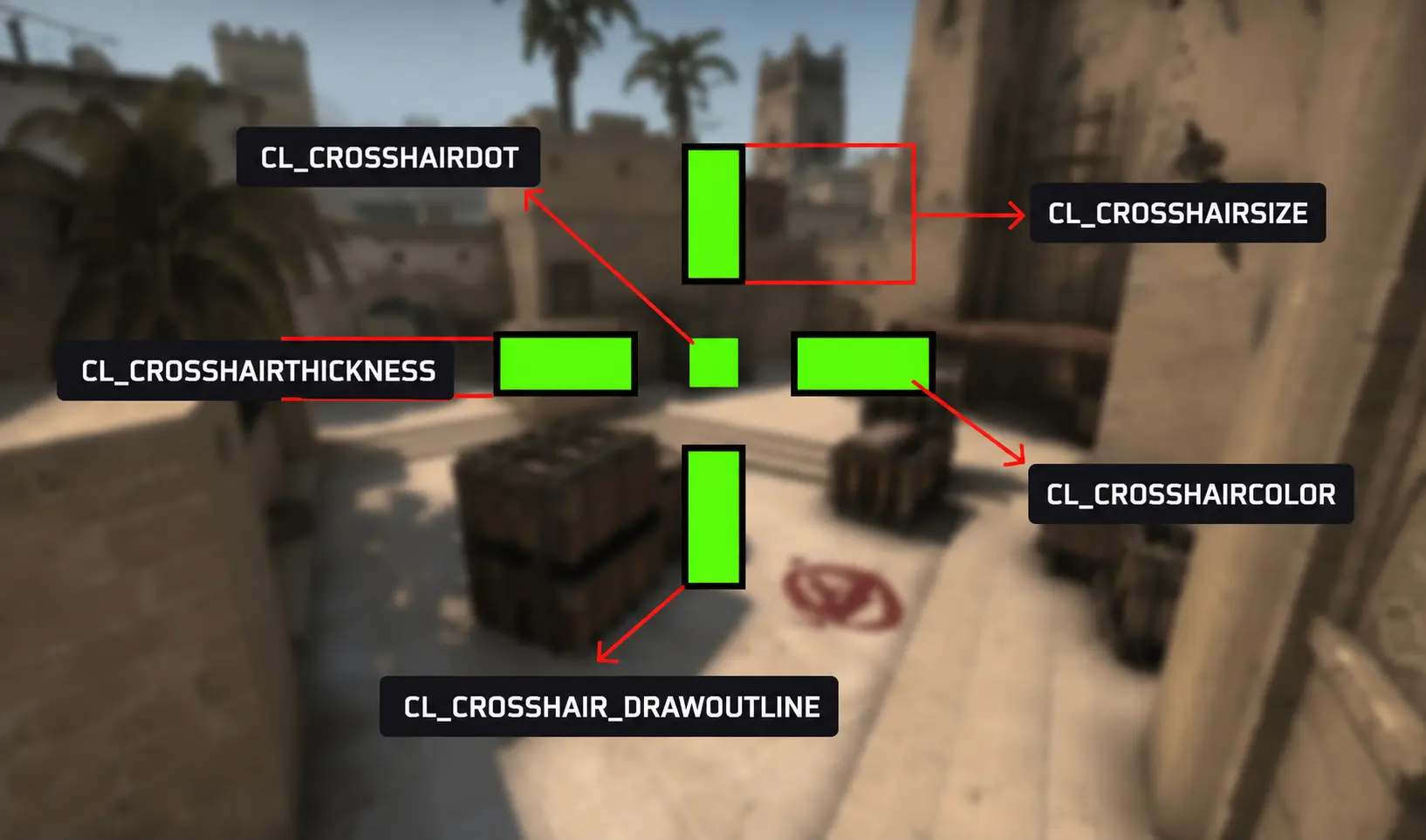
If your crosshair is visible but appears too large, too transparent, or simply uncomfortable to use, you can customize it in the CS2 settings. There, you can adjust its size, thickness, color, opacity, gap, and style to match your preferences.
To apply a new crosshair using a Share Code, open the Crosshair settings, click the Import button, paste the Share Code, and confirm the changes. All crosshair settings will be applied automatically. Below, you'll find our guides featuring a variety of crosshair codes used by professional players and the community.
In Conclusion
The easiest way to enable your crosshair in CS2 is by entering the crosshair 1 command in the developer console. To hide it, use crosshair 0, while toggle crosshair 0 1 lets you toggle the crosshair on and off with a single key press.
If your crosshair hasn't disappeared but is simply difficult to see, check its color, size, and opacity in the in-game crosshair settings. Adjusting these options can significantly improve visibility without affecting your other gameplay settings.
Random CS2 Guides
12 July 2026 Settings
Learn how to remove the crosshair in CS2 using console commands or game settings
15 July 2026 Tutorial
Discover whether a wired or wireless mouse is better for Counter-Strike 2. Compare input lag, weight, battery life, polling rate, and find the best gaming mouse for CS2 in 2026.