
Learn how to fix the CS2 failed to connect to official servers error.
16 October 2026
CS2 Rifler Mouse Settings
CS2 rifler mouse settings affect first-shot accuracy, spray control, tracking moving targets, and how quickly you can switch your aim between opponents. However, sensitivity alone does not tell you how fast your crosshair actually moves. It needs to be considered alongside DPI, effective sensitivity (eDPI), and mouse polling rate.
Which Mouse Settings Matter for Riflers in CS2?
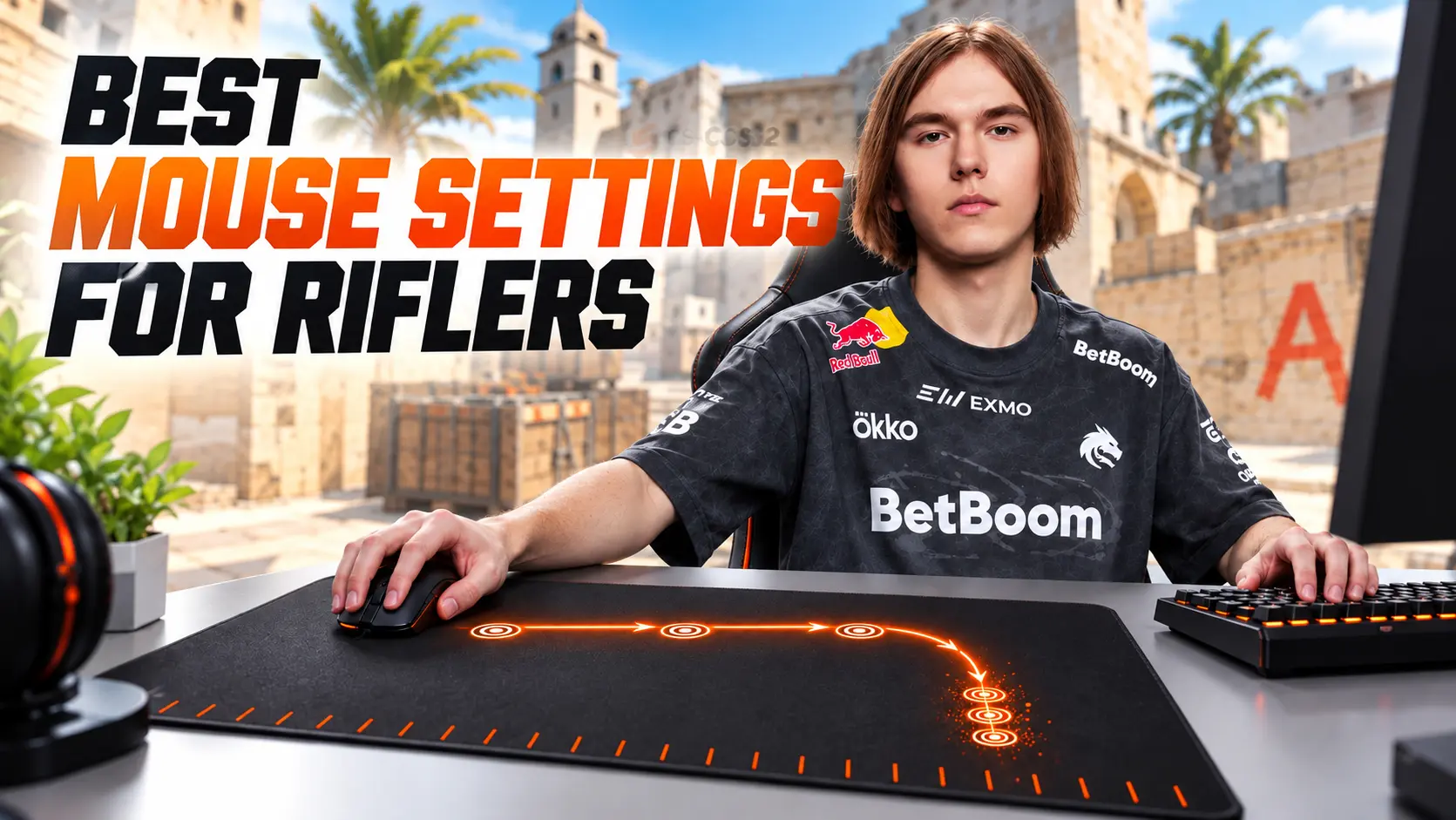
Riflers are more often involved in sustained firefights than snipers. They clear multiple angles, flick between targets, control recoil, and track opponents while they strafe. When comparing mouse settings, several parameters are particularly important:
-
DPI — the hardware resolution of the mouse sensor.
-
Sensitivity — the mouse sensitivity setting in CS2.
-
eDPI — effective sensitivity, calculated by multiplying DPI by in-game sensitivity.
-
Polling Rate — how frequently the mouse sends data to the computer, measured in hertz (Hz).
-
Zoom Sensitivity — the sensitivity multiplier when using a scoped weapon, such as the AUG, SG 553, or AWP.
-
Windows Sensitivity — the position of the system-wide pointer speed slider.
For comparing riflers, eDPI is one of the most useful metrics. For example, 400 DPI with a sensitivity of 2.0 produces 800 eDPI, just like 800 DPI with a sensitivity of 1.0. Although the settings look different, the crosshair's angular movement will be practically identical for the same mouse movement.
CS2 Rifler Mouse Settings
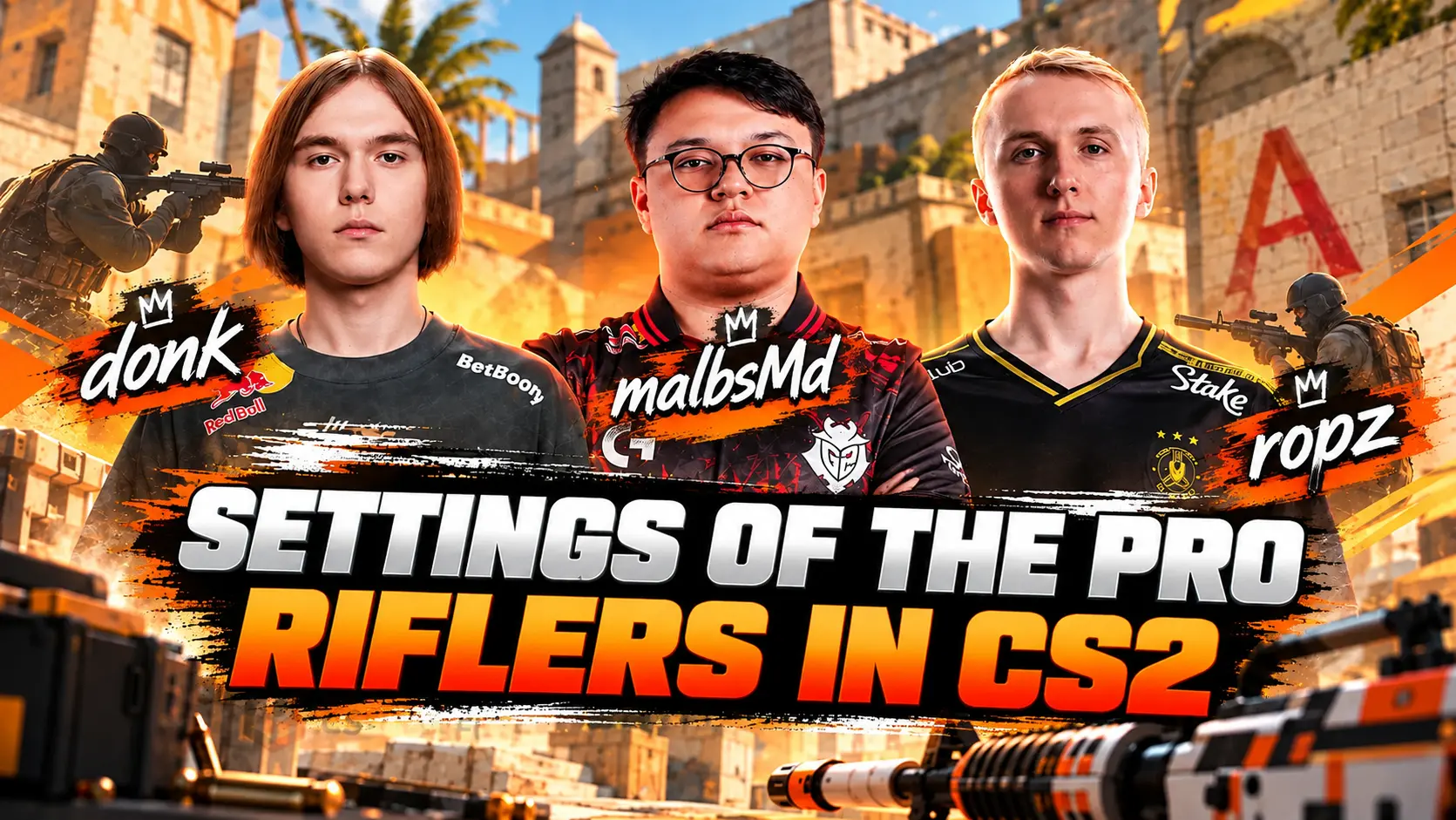
Below are the mouse settings of professional players with different roles and playstyles, including entry fraggers, anchors, and versatile riflers. Comparing them gives you a better idea of the range used at the professional level.
donk
-
DPI: 800
-
Sensitivity: 1.25
-
eDPI: 1000
-
Zoom Sensitivity: 1.00
-
Polling Rate: 1000 Hz
NiKo
-
DPI: 800
-
Sensitivity: 0.815
-
eDPI: 652
-
Zoom Sensitivity: 0.90
-
Polling Rate: 2000 Hz
ropz
-
DPI: 400
-
Sensitivity: 1.77
-
eDPI: 708
-
Zoom Sensitivity: 1.00
-
Polling Rate: 2000 Hz
XANTARES
-
DPI: 400
-
Sensitivity: 2.30
-
eDPI: 920
-
Zoom Sensitivity: 1.10
-
Polling Rate: 1000 Hz
frozen
-
DPI: 400
-
Sensitivity: 2.00
-
eDPI: 800
-
Zoom Sensitivity: 0.80
-
Polling Rate: 4000 Hz
b1t
-
DPI: 800
-
Sensitivity: 0.825
-
eDPI: 660
-
Zoom Sensitivity: 1.00
-
Polling Rate: 2000 Hz
kyousuke
-
DPI: 800
-
Sensitivity: 1.28
-
eDPI: 1024
-
Zoom Sensitivity: 1.00
-
Polling Rate: 1000 Hz
jL
-
DPI: 800
-
Sensitivity: 1.00
-
eDPI: 800
-
Zoom Sensitivity: 1.00
-
Polling Rate: 4000 Hz
malbsMd
-
DPI: 400
-
Sensitivity: 2.30
-
eDPI: 920
-
Zoom Sensitivity: 1.00
-
Polling Rate: 4000 Hz
YEKINDAR
-
DPI: 800
-
Sensitivity: 1.20
-
eDPI: 960
-
Zoom Sensitivity: 1.00
-
Polling Rate: 1000 Hz
What Sensitivity Do Professional Riflers Use?
Across this sample, the average is 844.4 eDPI, with a median of 860 eDPI and a range of 652–1024 eDPI. Six players use 800 DPI, while four use 400 DPI. Their polling rates range from 1000 to 4000 Hz.
These figures show that even professional riflers use noticeably different setups. There is no single ideal sensitivity or mandatory polling rate. The best choice depends on your control, available mouse space, and ability to aim consistently.
donk's Mouse Settings
donk uses 800 DPI and a sensitivity of 1.25, resulting in 1000 eDPI. This places him toward the higher end of the range in our sample. This sensitivity makes quick turns, aggressive close-angle clearing, and switching between targets easier, but it requires confident wrist control during long-range engagements.
NiKo's Mouse Settings
NiKo uses 800 DPI and a sensitivity of 0.815, resulting in just 652 eDPI the lowest value in the table. Lower sensitivity provides more room for precise micro-adjustments and accurate first shots, but wide flicks require more arm movement and a larger mousepad.
ropz's Mouse Settings
ropz plays at 400 DPI with a sensitivity of 1.77, giving him 708 eDPI. This is also on the lower end of the range. It can be comfortable for holding long-range angles and making precise adjustments, although it does not eliminate the need for proper crosshair placement.
XANTARES, frozen, and b1t's Mouse Settings
XANTARES uses 920 eDPI, frozen uses 800, and b1t uses 660. These examples show that strong AK-47 aim is not tied to a single mouse speed. XANTARES has a faster setup for quick flicks, frozen sits near a versatile starting point, and b1t plays with lower sensitivity.
kyousuke, jL, malbsMd, and YEKINDAR's Mouse Settings
kyousuke uses 1024 eDPI, the highest value in our sample. jL plays at 800 eDPI, malbsMd at 920, and YEKINDAR at 960. Higher sensitivity can be useful for aggressive site entries and close-range engagements, but a player's playstyle cannot be determined by mouse settings alone.
Important: A professional player's config proves that a particular sensitivity can work, but it does not guarantee the same results for someone else. Mousepad size, grip style, mouse weight, resolution, posture, and motor control can all significantly affect how a setup feels.
What Is eDPI and How Do You Calculate It?
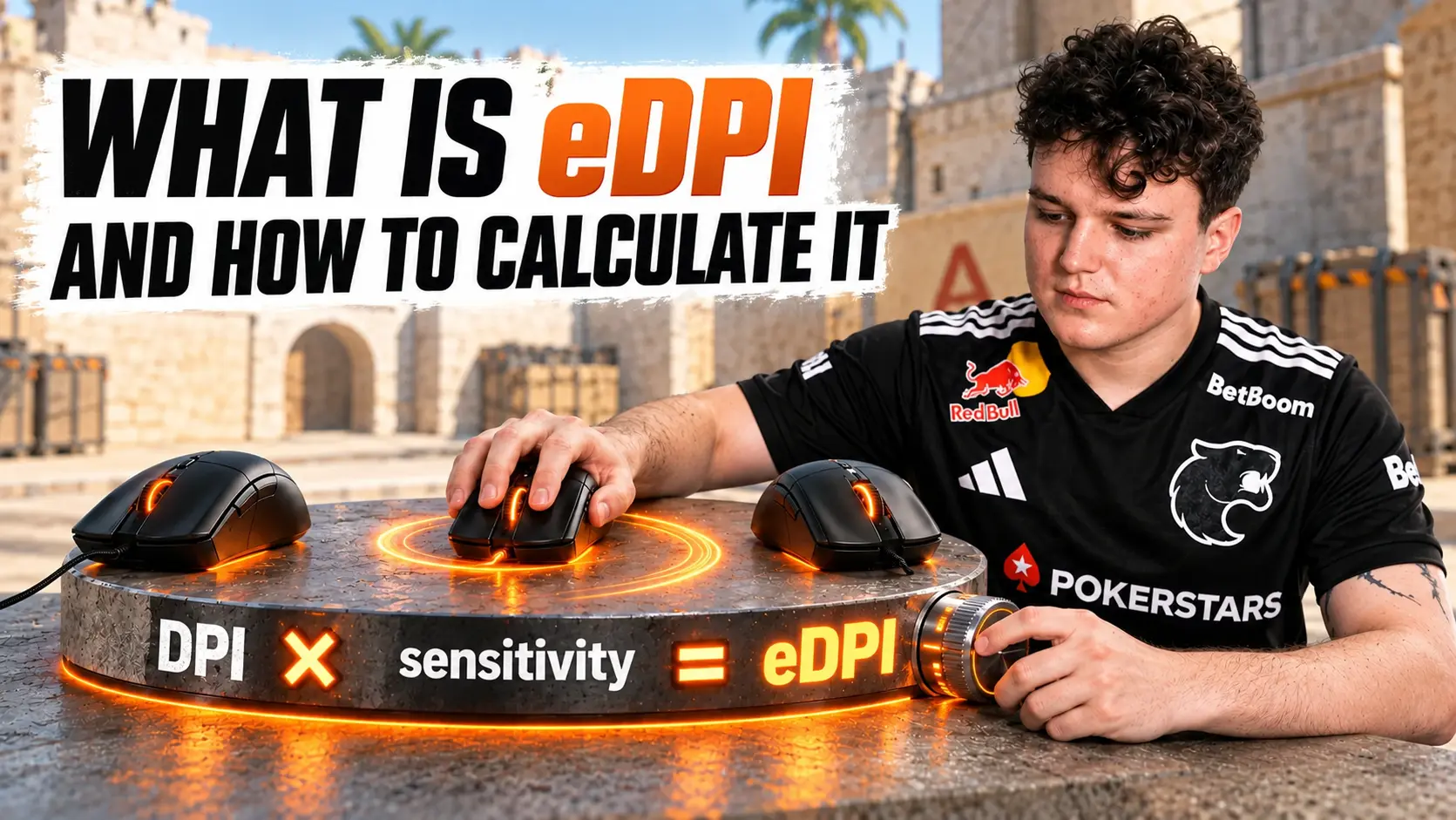
eDPI in CS2 combines mouse DPI and in-game sensitivity into a single comparable value:
eDPI = DPI × sensitivity
For donk's settings, the calculation is:
800 × 1.25 = 1000 eDPI
To achieve the same 1000 eDPI at 400 DPI, divide the target value by the new DPI:
1000 ÷ 400 = 2.5 sensitivity
The same eDPI does not make two mice feel exactly the same. Control is also affected by the mouse's shape and weight, mouse feet, mousepad surface, grip style, system latency, and FPS stability.
eDPI conversion examples:
-
650 eDPI: 1.625 sensitivity at 400 DPI, 0.8125 at 800 DPI, or 0.40625 at 1600 DPI.
-
700 eDPI: 1.75 sensitivity at 400 DPI, 0.875 at 800 DPI, or 0.4375 at 1600 DPI.
-
800 eDPI: 2.00 sensitivity at 400 DPI, 1.00 at 800 DPI, or 0.50 at 1600 DPI.
-
900 eDPI: 2.25 sensitivity at 400 DPI, 1.125 at 800 DPI, or 0.5625 at 1600 DPI.
-
1000 eDPI: 2.50 sensitivity at 400 DPI, 1.25 at 800 DPI, or 0.625 at 1600 DPI.
How to Set Up a CS2 Pro Rifler’s Mouse Settings
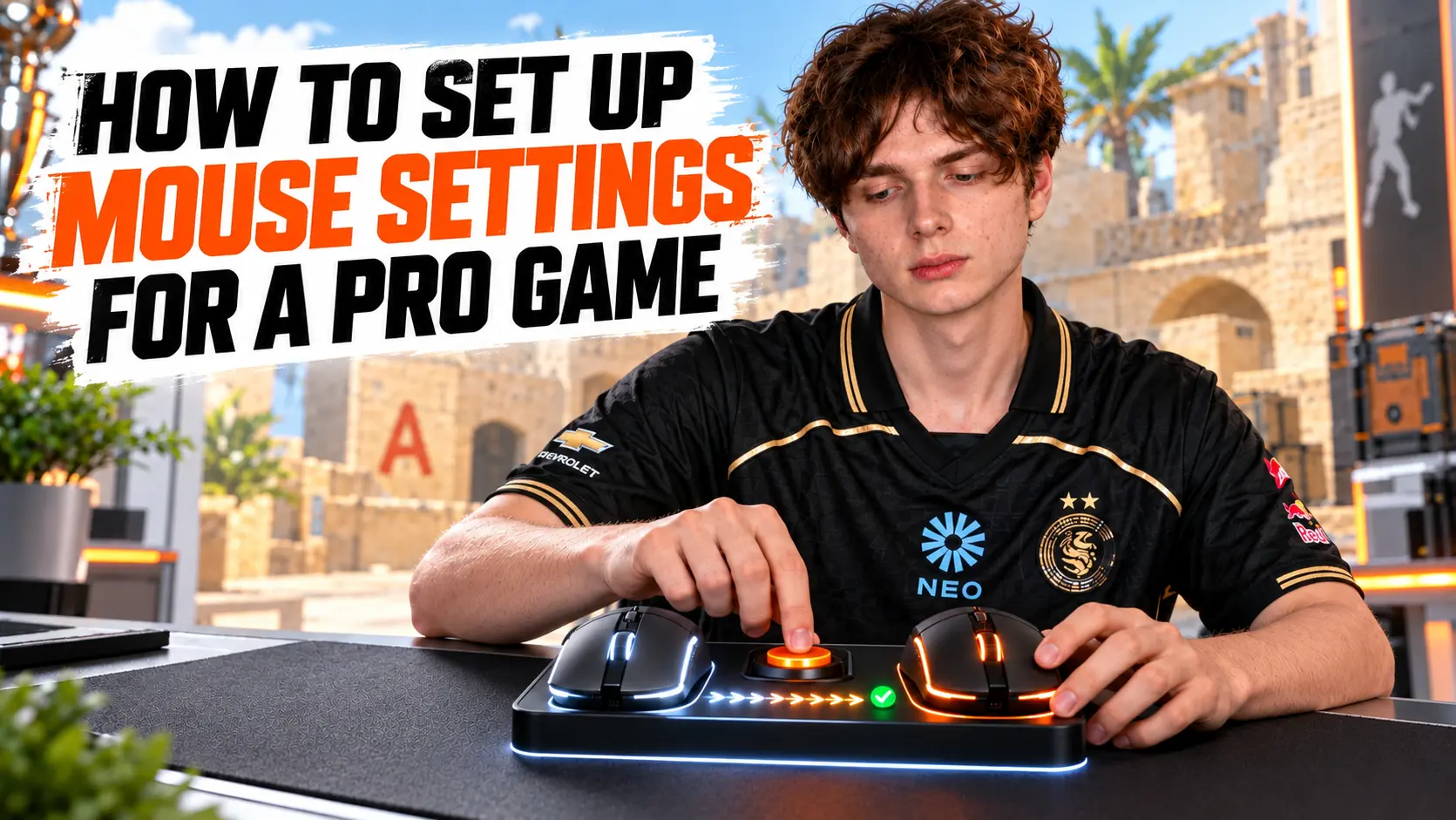
First, set your DPI and polling rate in the mouse's dedicated software or onboard memory. Then open the CS2 developer console and set your sensitivity. For example, donk's settings can be entered as follows:
sensitivity 1.25;zoom_sensitivity_ratio 1
For NiKo at 800 DPI, the sensitivity command would look like this:
sensitivity 0.815;zoom_sensitivity_ratio 0.9
CS2 uses raw mouse input, so the old m_rawinput command is no longer necessary. Before experimenting, write down your current settings. Don't copy the sensitivity value alone without matching the DPI, as a different hardware setting will result in a different eDPI.
How to Find Your Own Mouse Sensitivity
Start with 850 eDPI, a value close to the median of the sample analyzed. This corresponds to a sensitivity of 2.125 at 400 DPI, 1.0625 at 800 DPI, or 0.53125 at 1600 DPI. This starting point isn't meant to be your final setting; it provides a neutral baseline for comparison.
-
Choose a consistent DPI and make sure you have enough space on your mousepad.
-
Set your sensitivity to around 850 eDPI and complete a short warm-up.
-
Test single shots and short bursts at long range.
-
Practice full sprays with the AK-47, M4A1-S, and M4A4.
-
Practice flicking between two and three targets.
-
If you consistently undershoot, increase sensitivity by 3–5%.
-
If you consistently overshoot, decrease sensitivity by 3–5%.
Change only one parameter at a time. After each adjustment, play several full sessions so that initial unfamiliarity doesn't distort your conclusions. If problems occur only when clearing wide angles, check your mousepad size and mouse repositioning technique before increasing your eDPI.
How to Test a Rifler's Sensitivity in Practice
Static bots help you evaluate stopping accuracy, but they don't reproduce every task a rifler faces. For a more complete assessment, divide your testing into four exercises:
-
Micro-adjustments: Keep your crosshair near the target's head and make small corrections.
-
Flicks: Move your crosshair between widely spaced targets and evaluate how accurately you stop.
-
Spray control: Fire 20–30 bullets into a wall from different distances and observe the grouping pattern.
-
Deathmatch: Test the setting against moving players without changing it after every missed shot.
Consistent undershooting or overshooting matters more than a single failed movement. If your errors are random, the cause may not be your sensitivity but rather crosshair placement, stopping before firing, fatigue, or inconsistent performance.
Common Mouse Sensitivity Mistakes
-
Copying sensitivity without matching DPI. The same in-game sensitivity at 400 and 800 DPI produces a twofold difference in eDPI.
-
Changing sensitivity after every match. Your muscle memory doesn't have enough time to adapt, and your conclusions are based on too small a sample.
-
Choosing sensitivity based on a single exercise. A record on static bots doesn't guarantee comfortable spray control or tracking.
-
Maximizing polling rate at all costs. A polling rate of 4000–8000 Hz can reduce smoothness on certain systems.
-
Ignoring mousepad size and posture. Low eDPI requires sufficient space and unrestricted forearm movement.
-
Changing DPI, sensitivity, and mouse simultaneously. You won't be able to determine which change affected your performance.
In Conclusion
CS2 rifler mouse settings show a wide range of viable options, from NiKo's 652 eDPI to kyousuke's 1024 eDPI. The center of the sample analyzed falls around 850–860 eDPI, making this range a useful starting point. Choose your final sensitivity based on the consistency of your first shot, spray control, tracking, and flicks between targets not on a player's name or a single good result on a training map.
Random CS2 Guides
15 July 2026 Tutorial
Discover whether a wired or wireless mouse is better for Counter-Strike 2. Compare input lag, weight, battery life, polling rate, and find the best gaming mouse for CS2 in 2026.
16 October 2026 Settings
Explore CS2 rifler mouse settings, including DPI, sensitivity, and eDPI for top players.