
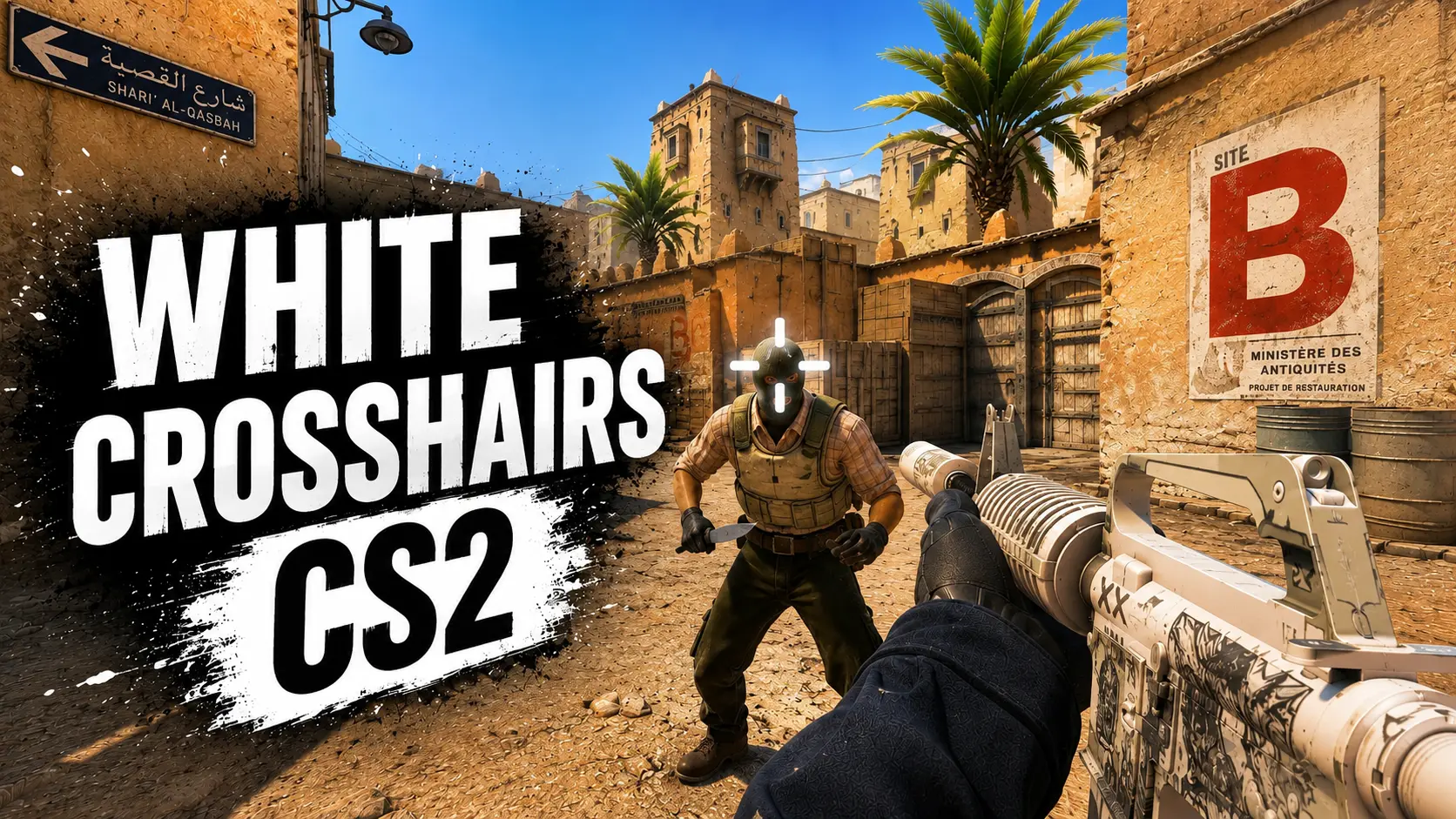
Discover the best white crosshair codes for CS2
11 July 2026
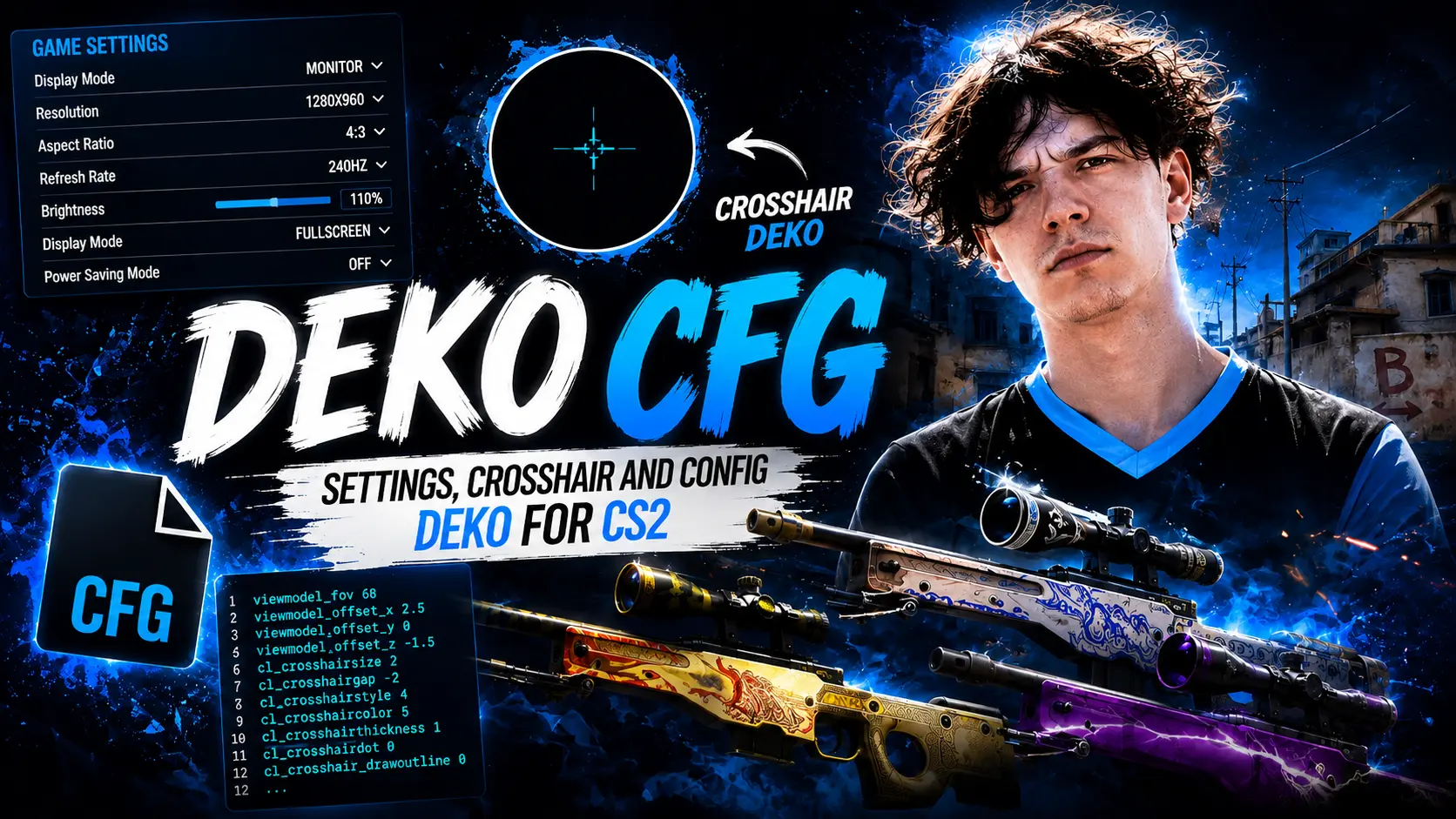
Deko CFG CS2 – Config, Crosshair, Viewmodel and Settings
Denis “deko” Zhukov is one of the most recognizable AWPers on the professional Counter-Strike 2 scene. Known for his aggressive playstyle, exceptional mechanical skill, and highlights, deko has become a favorite among players looking to improve their AWP gameplay. As a result, many fans search for the deko CFG to try the settings of one of the CIS region's top snipers.
In this guide, you'll find deko's latest CS2 settings, including his monitor resolution, crosshair, viewmodel, radar, HUD, and other in-game preferences. If you're looking for deko settings in CS2 or want to recreate his setup, you'll find all of his current configuration details below.
deko's Biography
Denis “deko” Zhukov is a Russian professional Counter-Strike 2 player best known for his exceptional AWP skills. He was born on July 10, 2001, in Naberezhnye Chelny, Tatarstan, Russia.
Throughout his career, deko has represented several teams, including Quantum Bellator Fire, EXTREMUM, 1WIN, Aurora, and the content creator team WW Team. Over the years, he has consistently been recognized as one of the strongest players on the CIS Counter-Strike scene.
Unfortunately, in November 2024, deko announced that he was stepping away from professional Counter-Strike competition.

It's no surprise that deko's settings are so popular among CS2 players. Some want to use his crosshair, others are looking for the full deko CFG, while many simply want to recreate the playstyle of one of the most well-known AWPers on the CIS Counter-Strike scene.
Monitor Settings
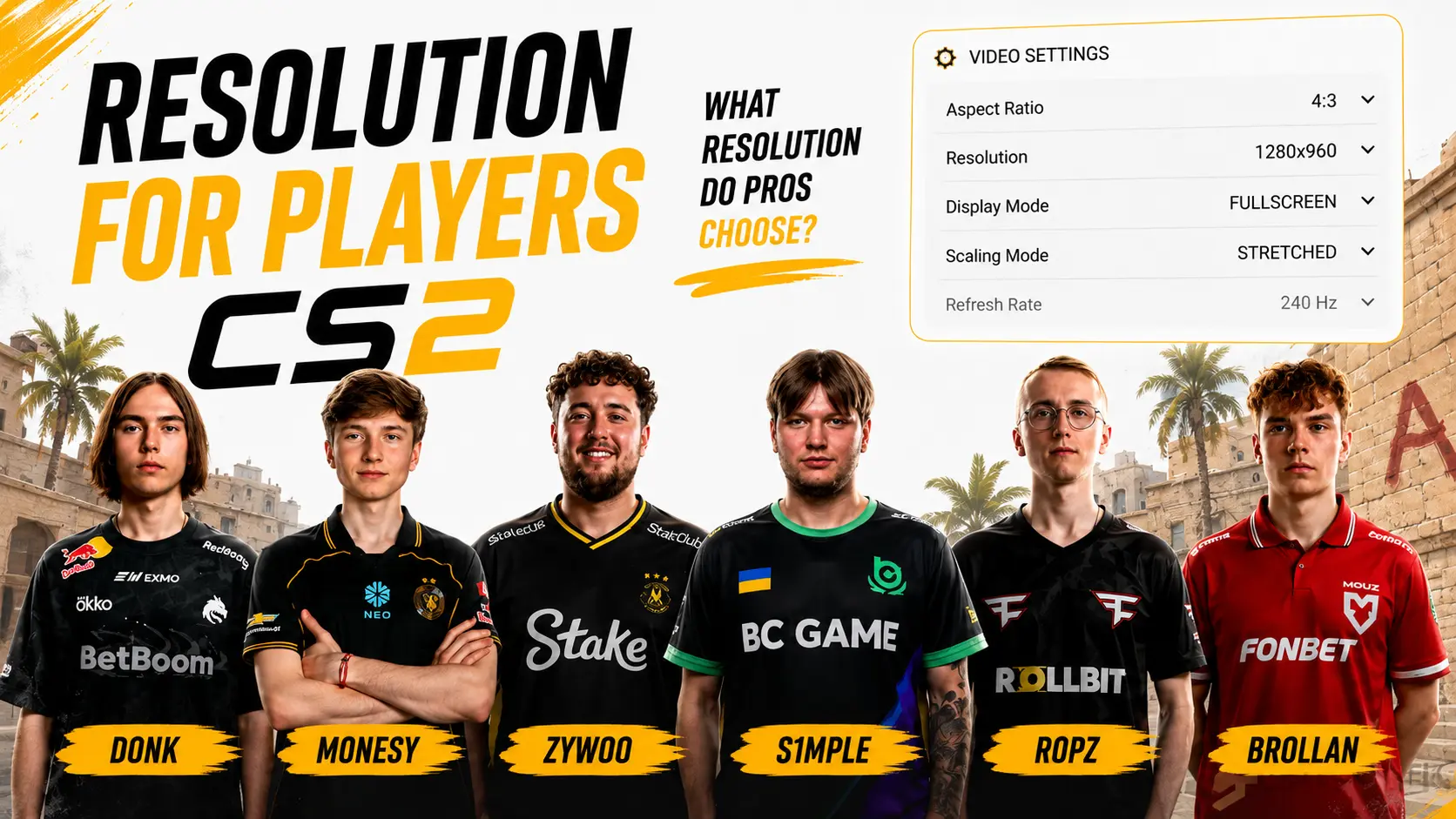
Like many professional players, deko uses a 4:3 stretched-style resolution. This setup makes enemy player models appear wider, making them easier to spot and react to during gunfights.
Resolution:
1280 × 960
Aspect Ratio:
4:3
Scaling Mode:
Black Bars
Refresh Rate:
360 Hz
deko Crosshair Settings
One of the standout features of deko's setup is his clean and compact crosshair. It doesn't obstruct important parts of the screen during firefights and helps maintain focus on the target. The easiest way to use deko's crosshair is by importing it with the crosshair share code.
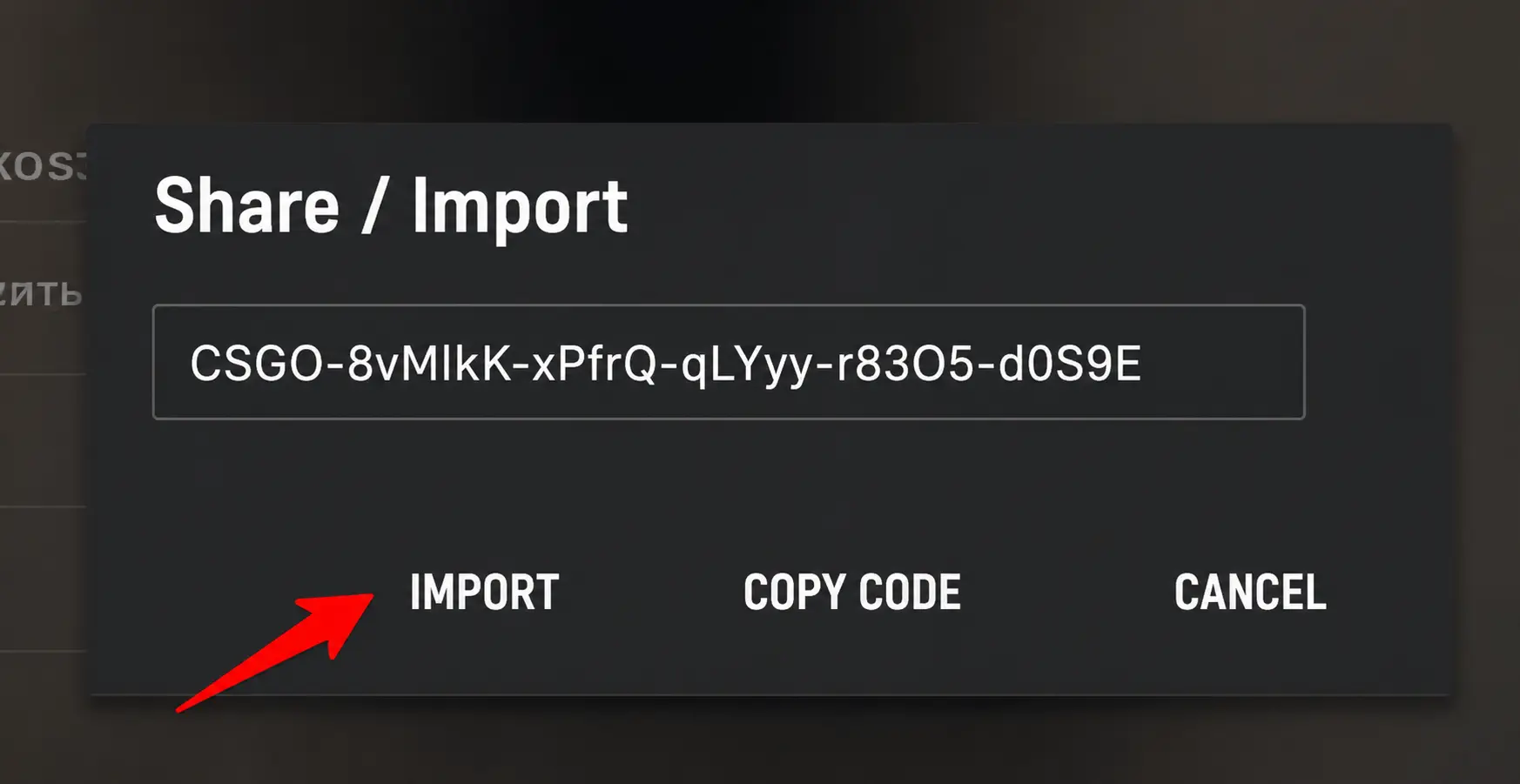
CSGO-FhuQp-7Hhrd-hXSpw-UMbwB-iULoD
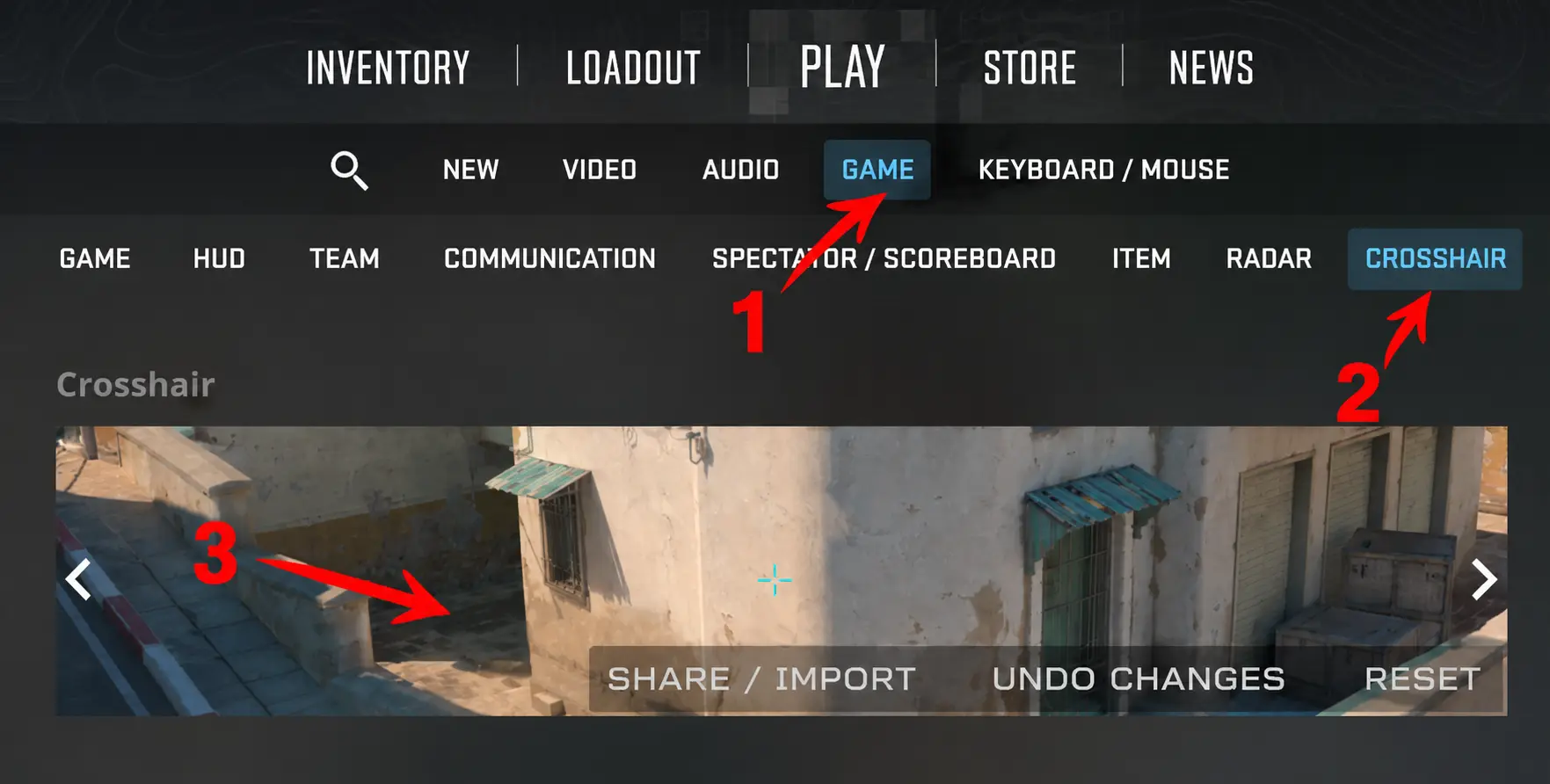
Simply open the CS2 settings, import the crosshair share code, and the game will automatically apply the crosshair.
All that's left is to paste the copied CS2 crosshair share code into the import field and confirm the installation.
Viewmodel Settings
deko's viewmodel settings are designed with comfort and visibility in mind. His weapon is positioned low on the screen, keeping it out of the way and ensuring that it doesn't block important parts of the player's view. This setup is especially useful during intense firefights, where having a clear field of vision can make a significant difference.
viewmodel_fov 68; viewmodel_offset_x 2.5; viewmodel_offset_y 0; viewmodel_offset_z -1.5; viewmodel_presetpos 2;
Radar Settings
A properly configured deko radar allows players to gather information about teammate positions more quickly and maintain better map awareness. His radar settings are optimized to provide a clear overview of the map, making it easier to track rotations, callouts, and overall team positioning throughout the round.
cl_drawhud_force_radar 0; cl_hud_radar_scale 1; cl_radar_always_centered 1; cl_radar_icon_scale_min 0.6; cl_radar_rotate 1; cl_radar_scale 0.35; cl_radar_square_with_scoreboard 1; cl_teammate_colors_show 1;
HUD Settings
deko's HUD settings are designed for comfort and clear visibility. All essential interface elements are positioned in a familiar layout, ensuring they remain easy to read without obstructing your view during intense rounds.
cl_allow_animated_avatars 1; cl_drawhud 1; cl_hud_color 5; cl_show_clan_in_death_notice 1; cl_showfps 0; cl_showloadout 0; cl_teamcounter_playercount_instead_of_avatars 0; hud_scaling 1; hud_showtargetid 1; safezonex 1; safezoney 1;
Mouse Settings
Mouse sensitivity has a direct impact on aiming precision and overall comfort in-game. deko's mouse settings are well balanced, allowing him to confidently perform both quick flicks and precise AWP shots.
DPI:
400
Polling Rate:
1000 Hz
In-Game Sensitivity:
2.25
Zoom Sensitivity:
1.1
Windows Sensitivity:
6/11
Mouse Acceleration:
Off
Raw Input (m_rawinput):
1
cl_crosshair_recoil 0; m_pitch 0.022; m_yaw 0.0165;
In Conclusion
Professional players' settings won't instantly improve your aim, but they can serve as an excellent starting point for finding a setup that feels comfortable for you.
Download config dekoIf you like deko's playstyle, try using the deko CFG, test out deko's CS2 crosshair, configure deko's viewmodel, and adjust the settings to match your own preferences.