
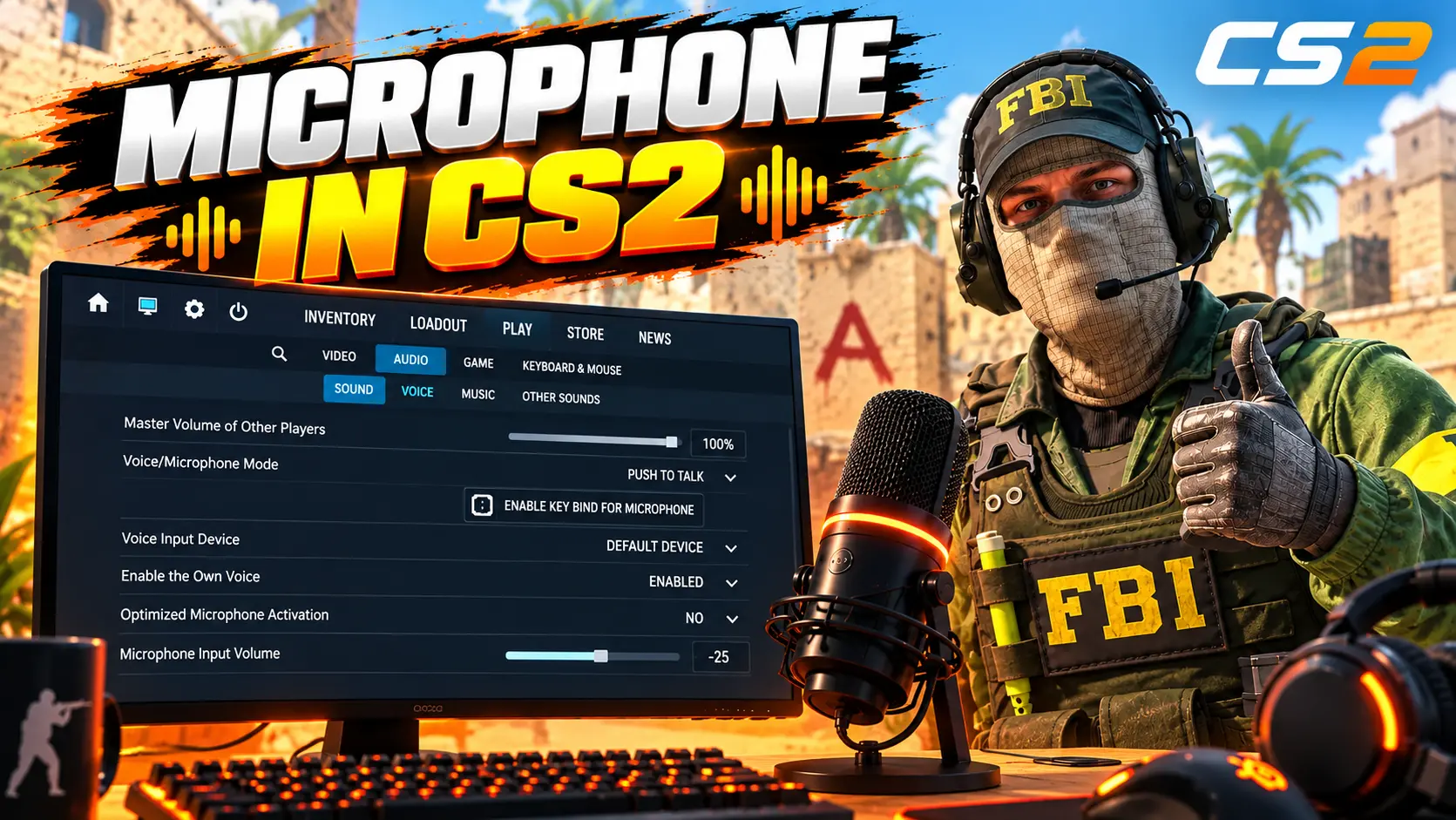
Learn how to set up your microphone in CS2, test voice chat, fix low volume, etc.
18 July 2026
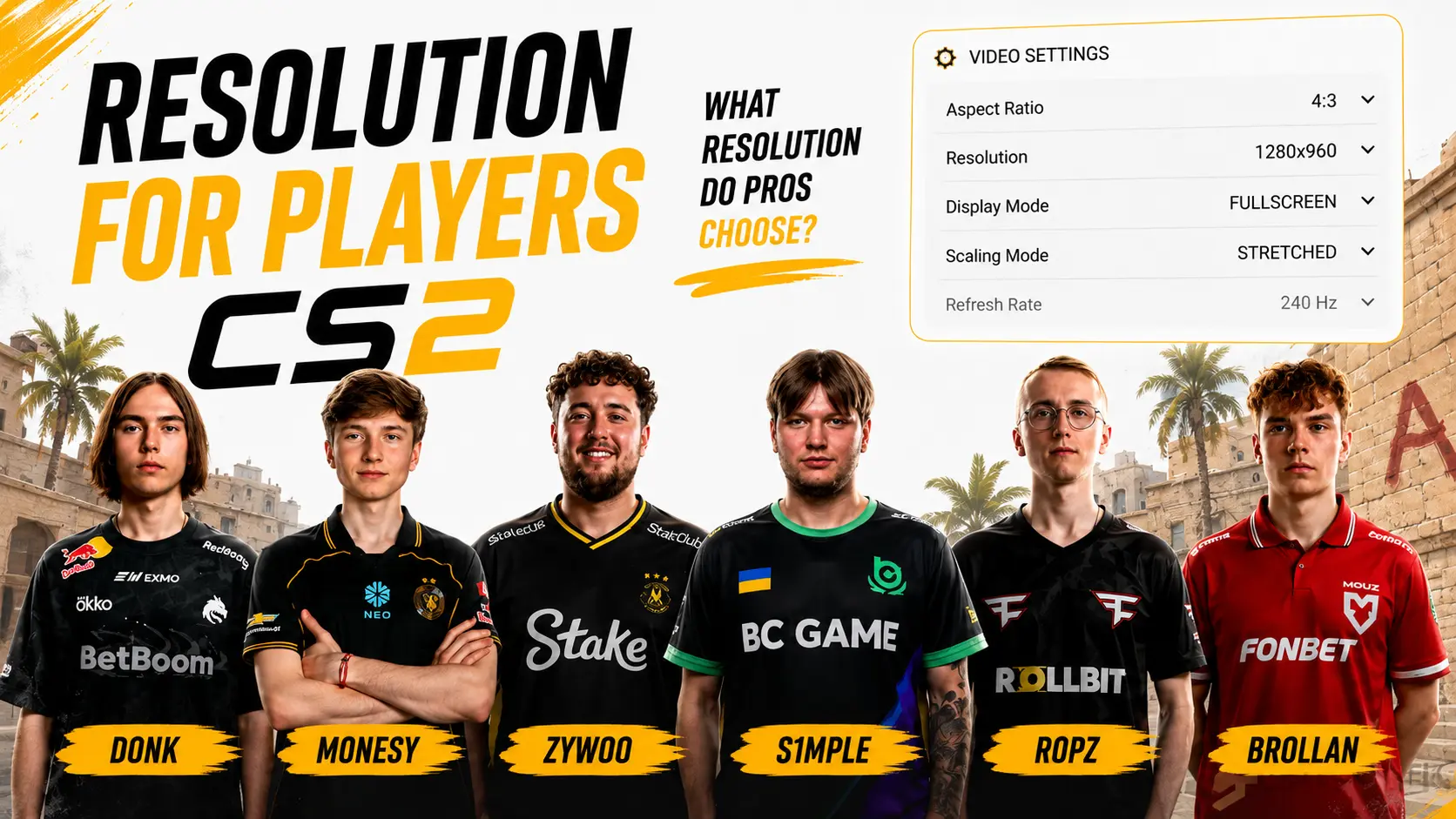
Resolutions Used by Pro Players in CS2 – The Most Popular Resolutions in Counter-Strike 2
The right resolution in CS2 affects more than just image quality. It also influences your field of view, the visual width of player models, your PC’s workload, and overall FPS stability. That’s why many players research which resolutions professional Counter-Strike 2 players use before configuring their game.
Despite having powerful PCs and high-end monitors, a large portion of the professional scene still prefers playing in a stretched 4:3 aspect ratio. The most popular choice remains 1280×960, although some pros opt for 1024×768, 1280×1024, 1440×1080, or the native 1920×1080 resolution.
In this article, we’ve collected the most popular resolutions used by CS2 pro players, explained the advantages of 4:3 and 16:9 aspect ratios, covered the difference between stretched resolution and black bars, and prepared a guide to help you choose and configure the best resolution for your playstyle.
What Is Resolution in CS2?
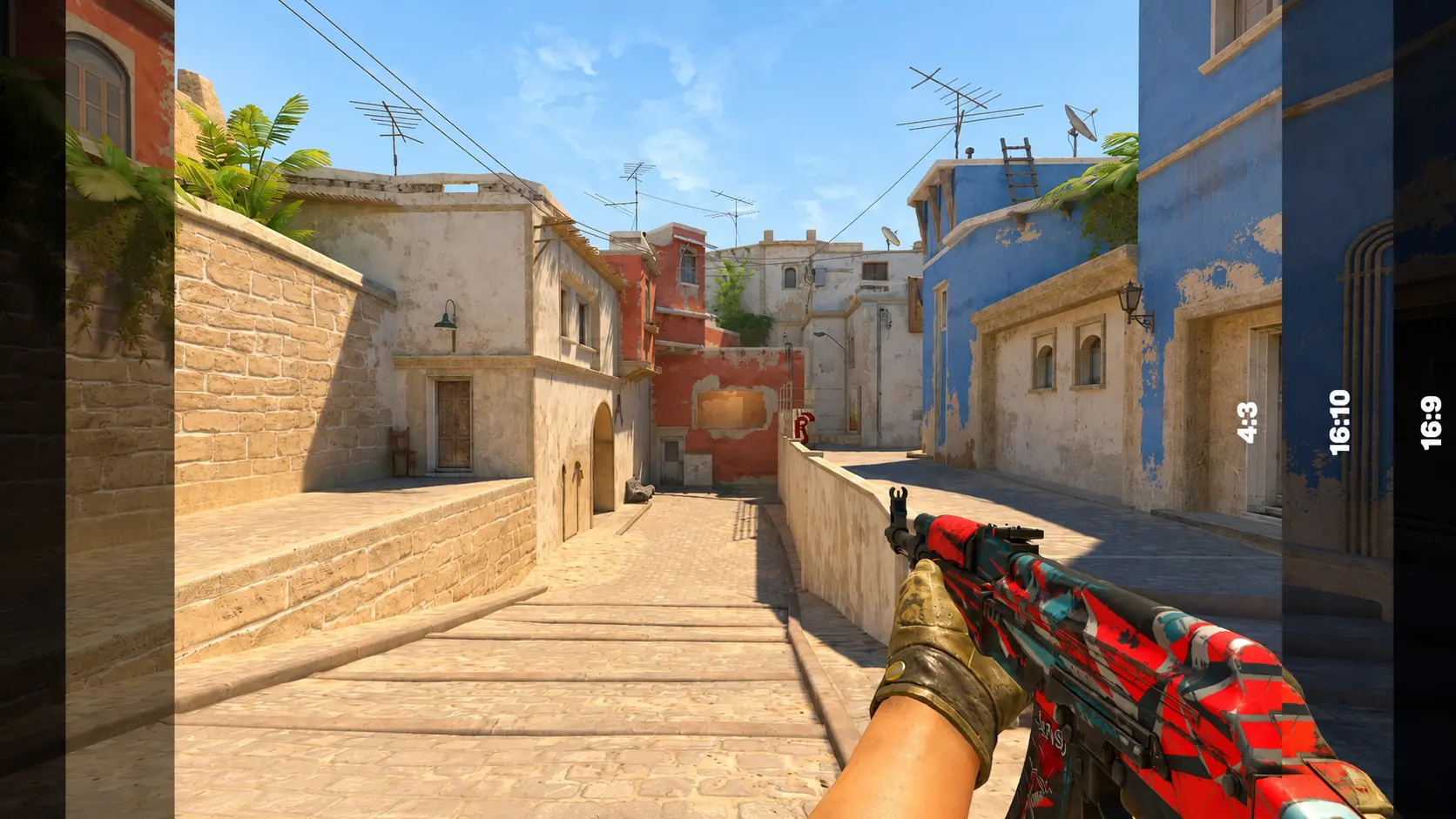
Screen resolution in CS2 is the number of pixels used to display the image on your screen. For example, a resolution of 1920×1080 means the image is made up of 1,920 horizontal pixels and 1,080 vertical pixels.
In general, a higher resolution produces a sharper and more detailed image, but it also puts more load on your graphics card. Lowering the resolution reduces the number of pixels your PC has to render, which can improve FPS, although the image may appear less sharp or detailed.
Aspect Ratio in CS2
The aspect ratio is just as important as the resolution. It determines the shape of the image and how much horizontal space is visible on your screen. In Counter-Strike 2, the most commonly used aspect ratios are:4:3 – the classic format and the most popular choice among professional players.
16:9 – the modern widescreen standard.
16:10 – a middle ground between 4:3 and 16:9.
5:4 – a less common format, typically used with a 1280×1024 resolution.
Resolution alone does not improve your aim or reduce recoil. Instead, it changes the way the game looks and feels. A setting that works well for one player may feel completely uncomfortable to another.
CS2 Pro Players' Resolutions
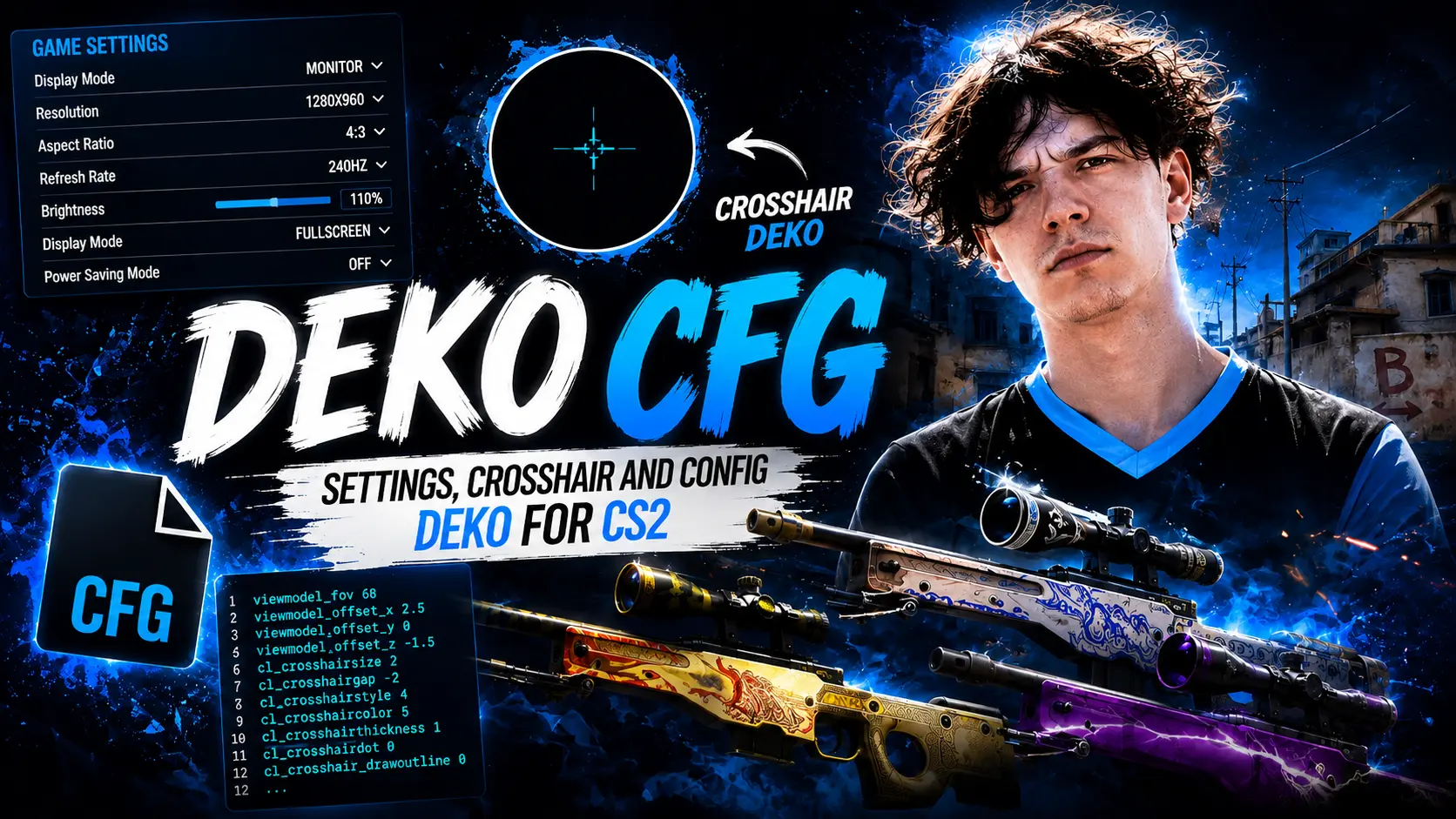
The table below shows the screen settings used by many professional CS2 players. It provides a quick overview of the resolutions used by donk, m0NESY, ZywOo, s1mple, NiKo, ropz, and other top competitors.
Keep in mind that professional players may change their settings after CS2 updates, when switching monitors, or simply due to personal preference. Before copying a complete configuration, it's always a good idea to check the player's latest settings.
| Player | Resolution | Aspect Ratio | Scaling |
|---|---|---|---|
| donk | 1280×960 | 4:3 | Stretched |
| m0NESY | 1280×960 | 4:3 | Stretched |
| ZywOo | 1280×960 | 4:3 | Stretched |
| NiKo | 1280×960 | 4:3 | Stretched |
| s1mple | 1280×960 | 4:3 | Stretched |
| ropz | 1920×1080 | 16:9 | Native |
| sh1ro | 1280×960 | 4:3 | Stretched |
| device | 1280×960 | 4:3 | Stretched |
| XANTARES | 1024×768 | 4:3 | Stretched |
| w0nderful | 1280×960 | 4:3 | Stretched |
| b1t | 1280×960 | 4:3 | Stretched |
| jL | 1280×960 | 4:3 | Stretched |
| Aleksib | 1440×1080 | 4:3 | Stretched |
| flameZ | 1280×960 | 4:3 | Stretched |
| apEX | 1280×1024 | 5:4 | Stretched |
| mezii | 1280×960 | 4:3 | Stretched |
| frozen | 1280×960 | 4:3 | Stretched |
| broky | 1280×960 | 4:3 | Stretched |
| rain | 1280×960 | 4:3 | Stretched |
| EliGE | 1680×1050 | 16:10 | Stretched |
| Twistzz | 1280×960 | 4:3 | Stretched |
| NAF | 1280×960 | 4:3 | Stretched |
| YEKINDAR | 1920×1080 | 16:9 | Native |
| Jame | 1280×960 | 4:3 | Stretched |
| electroNic | 1280×960 | 4:3 | Stretched |
| KSCERATO | 1280×960 | 4:3 | Stretched |
| yuurih | 1280×960 | 4:3 | Stretched |
| insani | 1280×960 | 4:3 | Stretched |
| torzsi | 1280×960 | 4:3 | Stretched |
| xertioN | 1280×960 | 4:3 | Stretched |
| Jimpphat | 1280×960 | 4:3 | Stretched |
| stavn | 1280×960 | 4:3 | Stretched |
| jabbi | 1280×960 | 4:3 | Stretched |
| cadiaN | 1280×960 | 4:3 | Stretched |
The table clearly shows that there is no single "best" resolution for professional play. Even elite players use a wide range of settings, from 1024×768 to native 1920×1080 (Full HD).
Copying your favorite player's resolution can be a good starting point, but it won't automatically improve your performance. The ideal settings depend on your monitor size, PC performance, refresh rate, and personal visual preference.
Most Popular Resolutions Among Professional Players
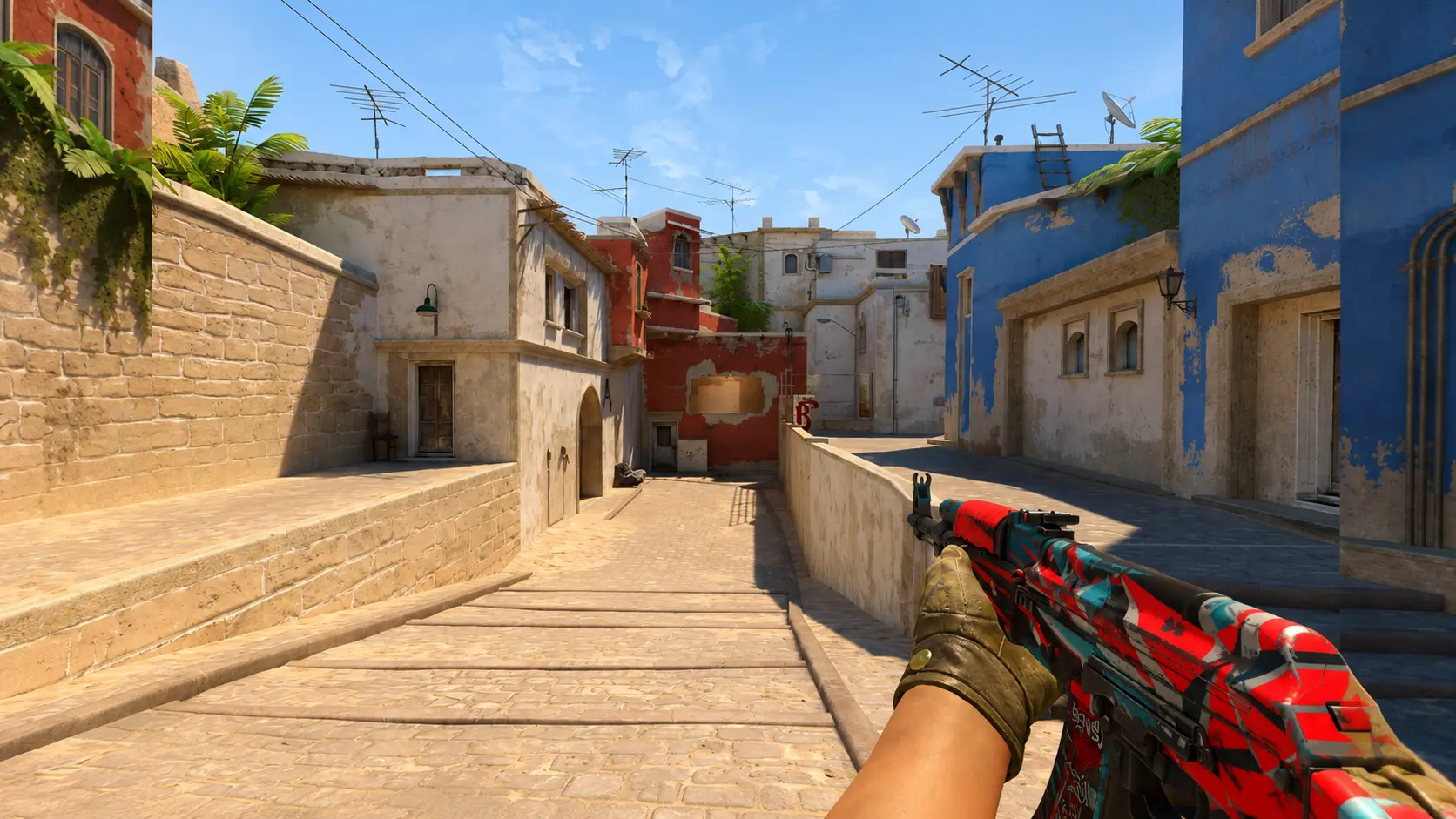
Most Popular CS2 Resolutions Used by Professional Players
The professional CS2 scene features dozens of different resolution and aspect ratio combinations, but most players stick to a handful of proven options. The most popular choice is 1280×960 with a 4:3 aspect ratio.
| Resolution | Aspect Ratio | Image Type | Best For |
|---|---|---|---|
| 1280×960 | 4:3 | Usually Stretched | The most versatile choice for competitive play |
| 1024×768 | 4:3 | Usually Stretched | Maximum FPS and larger player models |
| 1440×1080 | 4:3 | Usually Stretched | A sharper 4:3 image while keeping the classic aspect ratio |
| 1280×1024 | 5:4 | Stretched | Players who prefer a more heavily stretched image |
| 1680×1050 | 16:10 | Native or Stretched | A balanced compromise between 4:3 and 16:9 |
| 1920×1080 | 16:9 | Native | Maximum image clarity and the widest field of view |
1280×960
1280×960 is the most recognizable and widely used resolution among professional CS2 players. It provides a sharp image while preserving the classic 4:3 aspect ratio. When stretched to fill the screen, player models appear wider than they do at 16:9.
1024x768
1024×768 produces a blurrier image, especially on modern monitors. It is still preferred by players who have been using low resolutions since the CS 1.6 and CS:GO days. This resolution can also help increase FPS on lower-end systems by reducing the rendering workload.
1440x1080
1440×1080 is a great choice for players who prefer the 4:3 aspect ratio but don't want to sacrifice too much image clarity. Since its vertical resolution matches Full HD (1080 pixels), the interface, weapon models, and player models appear noticeably sharper and more detailed than at 1280×960.
1280x1024
1280×1024 officially uses a 5:4 aspect ratio rather than 4:3. When stretched to fit a widescreen monitor, the image becomes even more distorted. Player models appear noticeably wider, but horizontal movement also feels faster, which can take some time to get used to.
1920x1080
1920×1080 is the native resolution of most modern gaming monitors. It delivers the sharpest image and the widest horizontal field of view thanks to its 16:9 aspect ratio. This resolution is used by players such as ropz and other professionals who prioritize image clarity and the extra visual information available at the edges of the screen.
Why Pro Players Choose 1280×960
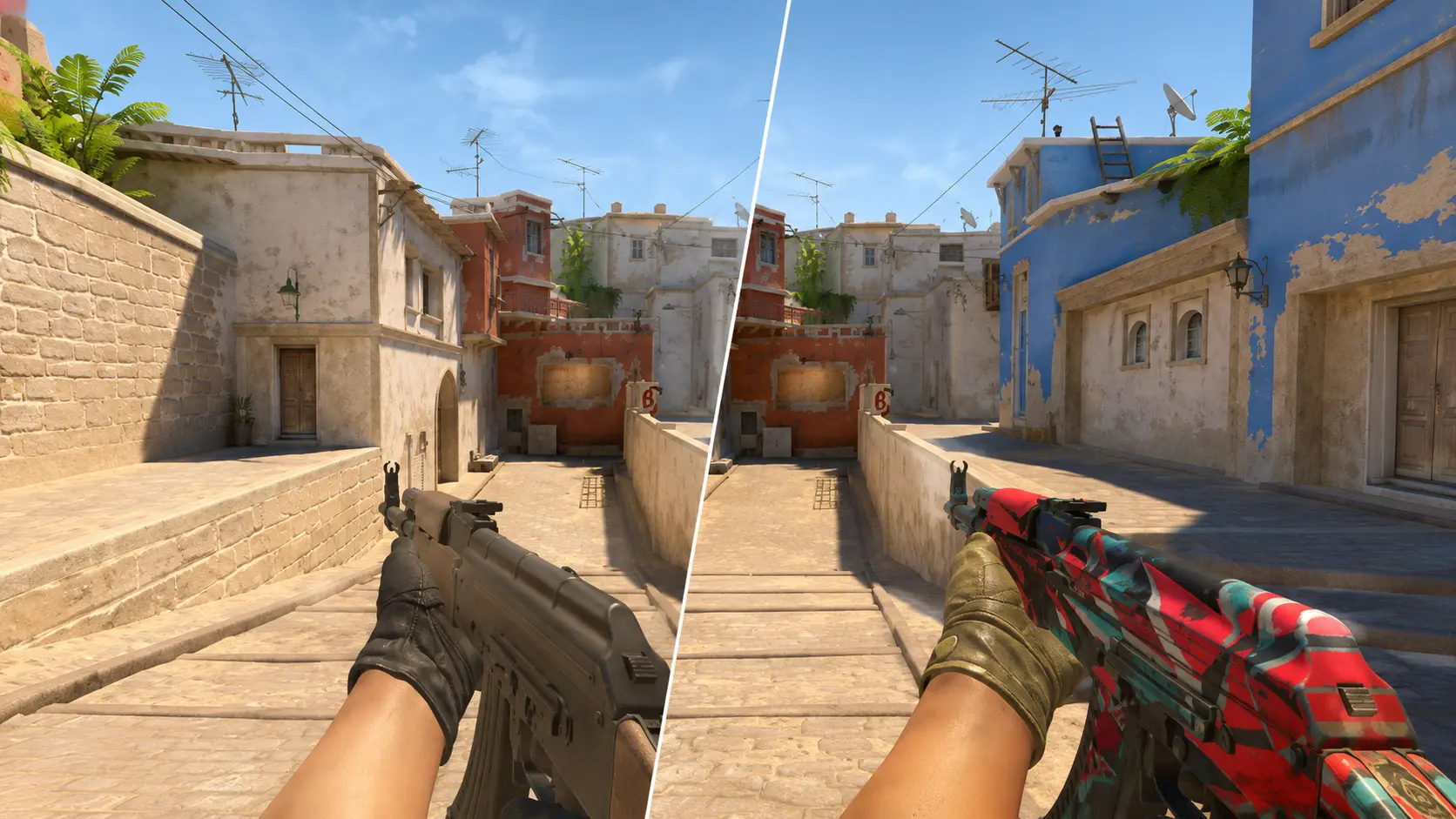
he popularity of 1280×960 isn't due to a single secret advantage, but rather a combination of factors. The biggest one is familiarity. Many professional players started their careers in CS 1.6 or CS:GO, where low resolutions and the 4:3 aspect ratio were widely used.
After thousands of hours of practice, even small visual changes can affect distance perception, enemy movement, crosshair placement, and muscle memory. That's why many experienced professionals continue using 4:3 instead of switching to 16:9, even after upgrading to more powerful hardware.
Advantages of 1280×960
- Enemy player models appear wider when using stretched scaling.
- Sharper image than 1024×768.
- Lower GPU workload compared to 1920×1080 (Full HD).
- Familiar format for players coming from CS:GO.
- Fewer visual distractions at the edges of the scr
- Excellent balance between image quality and performance.
Disadvantages of 1280×960
- Smaller horizontal field of view than 16:9.
- Reduced image quality when stretched.
- Objects appear to move faster across the screen.
- In some situations, enemies may become visible earlier on a 16:9 display.
- The interface and on-screen elements appear stretched.
Overall, 1280×960 cannot be considered the objectively best resolution for everyone. Its popularity comes from offering a comfortable balance of performance and visibility while matching the long-established preferences of many professional players.
Aspect Ratios in CS2
Players often confuse resolution with aspect ratio. Resolution determines the number of pixels displayed, while the aspect ratio defines the shape of the image. For example, 1024×768, 1280×960, and 1440×1080 all use the 4:3 aspect ratio despite having different image sharpness.
| Aspect Ratio | Example Resolutions | Characteristics |
|---|---|---|
| 4:3 | 1024×768, 1280×960, 1440×1080 | Narrower field of view, supports stretched scaling |
| 5:4 | 1280×1024 | More aggressive stretching and wider-looking player models |
| 16:10 | 1280×800, 1440×900, 1680×1050 | A compromise between widescreen and stretched gameplay |
| 16:9 | 1280×720, 1600×900, 1920×1080 | Wide field of view with natural image proportions |
4:3 or 16:9 in CS2 - Which Is Better?
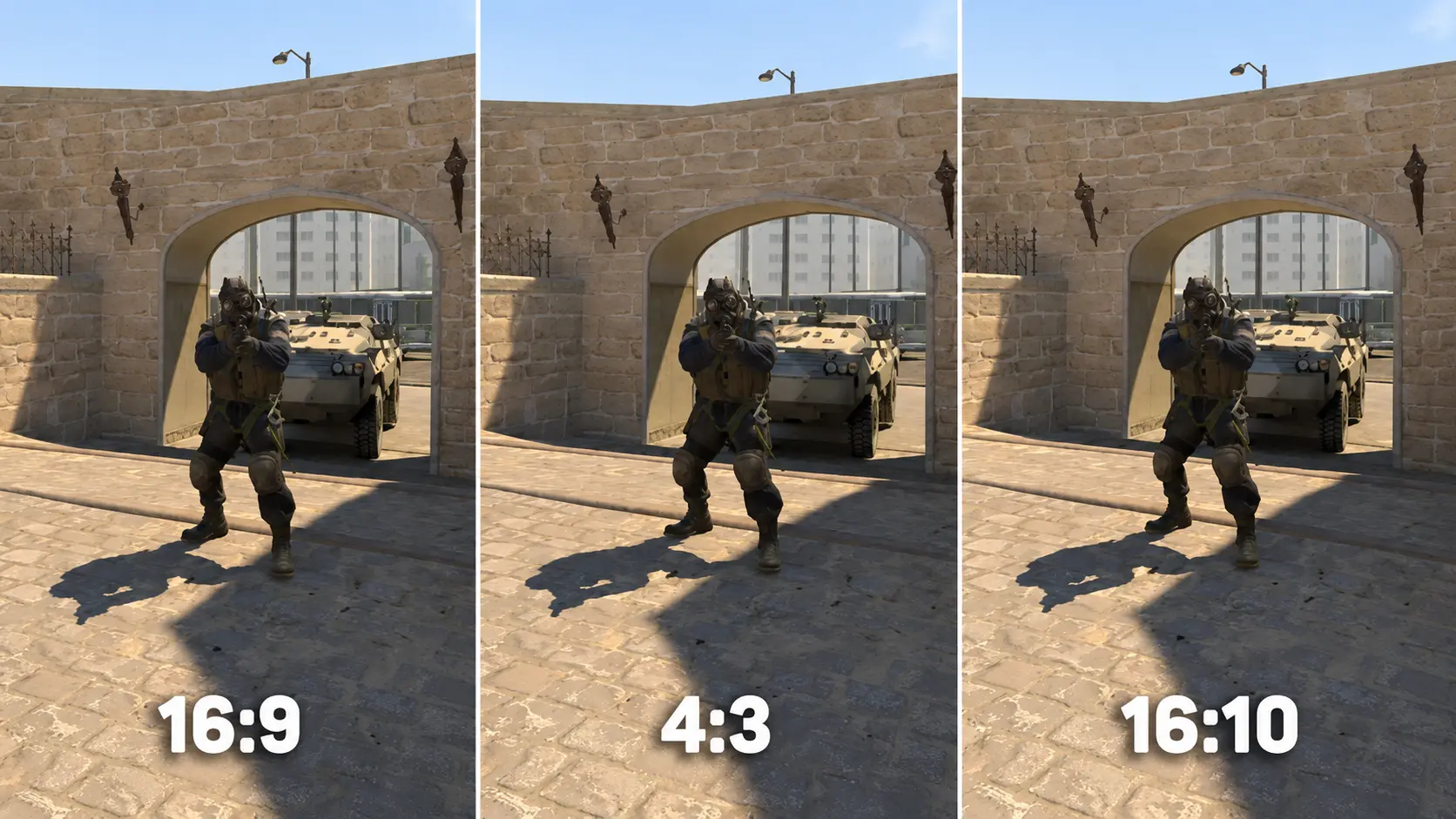
The debate between 4:3 and 16:9 has been going on for years. Both aspect ratios are perfectly capable of delivering top-level competitive performance, so the final choice comes down to personal preference. Professional results can be achieved with both 1280×960 Stretched and 1920×1080 Native.
| Feature | 4:3 Stretched | 16:9 Native |
|---|---|---|
| Player Model Width | Visually wider | Natural proportions |
| Horizontal Field of View | Smaller | Wider |
| Image Clarity | Depends on the resolution, often lower | Usually higher |
| Perceived Movement Speed | Appears faster | Feels more natural |
| Hardware Load | Usually lower | Higher at Full HD |
| Popularity Among Pro Players | Very high | Less common |
| Beginner Friendly | Requires some adjustment | Yes |
4:3 Stretched or Black Bars
The same 4:3 resolution can be displayed in two different ways: stretched to fill the entire screen or with black bars on the sides.
Stretched
Stretched scales a 4:3 image to fill a widescreen monitor. As a result, player models, weapons, and map elements appear wider. This is what most players mean when they refer to a stretched resolution in CS2.
Black Bars
Black Bars preserve the original 4:3 aspect ratio. Black bars appear on both sides of the screen, and the game is displayed in the center. Player models keep their original proportions, but the horizontal field of view remains reduced.
| Feature | Stretched | Black Bars |
|---|---|---|
| Screen Coverage | Full screen | Black bars on the sides |
| Player Model Width | Visually wider | Normal proportions |
| Perceived Movement Speed | Appears faster | Feels more natural |
| Popularity | High | Lower |
Do Player Models Become Wider in 4:3?
The actual size of player models and their hitboxes does not change when switching to 4:3. The game server processes hit registration exactly the same regardless of your resolution.
What changes is only the image displayed on your monitor. When a 4:3 image is stretched to fit a 16:9 display, each pixel is stretched horizontally. As a result, enemy models occupy more screen space, even though their in-game size remains unchanged.
Because of this visual stretching, some players find it easier to notice an opponent's head or body. However, the wider appearance also makes movement seem faster. An enemy peeking from behind a wall may appear to move more quickly than they would in 16:9.
Using 4:3 does not increase hitbox size, improve weapon accuracy, or provide any hidden hit registration advantage.
How Resolution Affects FPS in CS2
Switching from 1920×1080 to 1280×960 may provide only a small improvement or virtually none at all.
| Situation | Possible Result of Lowering the Resolution |
|---|---|
| Weak graphics card | Significant FPS increase |
| Powerful GPU with a weak CPU | Small improvement |
| High graphics settings | Reduced GPU load |
| Low settings on a powerful PC | Minimal FPS difference |
| Playing at 1440p or 4K | Lower resolutions can significantly improve FPS |
For an accurate comparison, test the same map using identical graphics settings and compare the average FPS across different resolutions. Don't rely solely on the FPS shown in the main menu.
Which Resolution Is Best for CS2?
There is no universally best resolution for CS2. For most competitive players, 1280×960 Stretched is an excellent starting point. It offers a good balance of image clarity, performance, and wider-looking player models, which is why it's used by many professionals.
| Goal | Recommended Resolution | Reason |
|---|---|---|
| All-around competitive choice | 1280×960 | Balanced clarity, FPS, and wider player models |
| Maximum FPS | 1024×768 | Lowest GPU workload |
| Sharp 4:3 image | 1440×1080 | High detail while keeping the 4:3 aspect ratio |
| Best image quality | 1920×1080 | Native sharpness and correct proportions |
| Widest field of view | 1920×1080 | More visible information at the screen edges |
| Balanced alternative | 1680×1050 | 16:10 aspect ratio between 4:3 and 16:9 |
In Conclusion
Professional CS2 players use a variety of resolutions, but the most popular choice remains 1280×960 with a 4:3 aspect ratio and stretched scaling. It is used by donk, m0NESY, ZywOo, NiKo, s1mple, and many other top-tier professionals.
That said, the native 1920×1080 resolution is also a great option for competitive play. It provides a sharper image, correct aspect ratios, and a wider field of view. Ultimately, your performance depends far more on aim, game sense, consistent FPS, and regular practice than on your screen resolution alone.
The best way to find your ideal resolution is to test several options yourself. Start with 1920×1080 and 1280×960, play a few matches using each setting, and compare enemy visibility, smoothness, field of view, and overall comfort. Stick with the resolution that feels the most natural and consistent for your playstyle.